Gallery Wall DESIGNER
Wallapp is a wall art mockup generator for iOS — place your art, prints, and posters in realistic rooms at true scale, framed, with real light and shadow, in seconds.

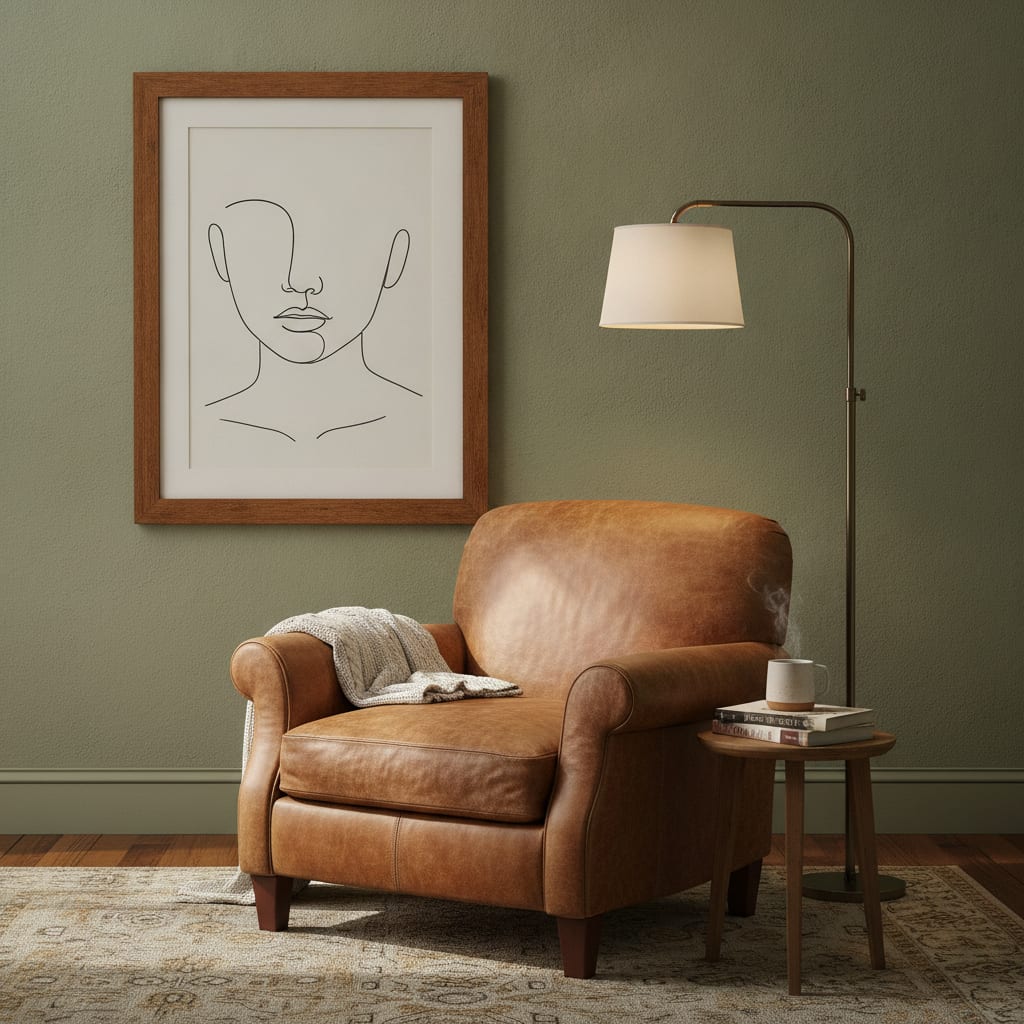
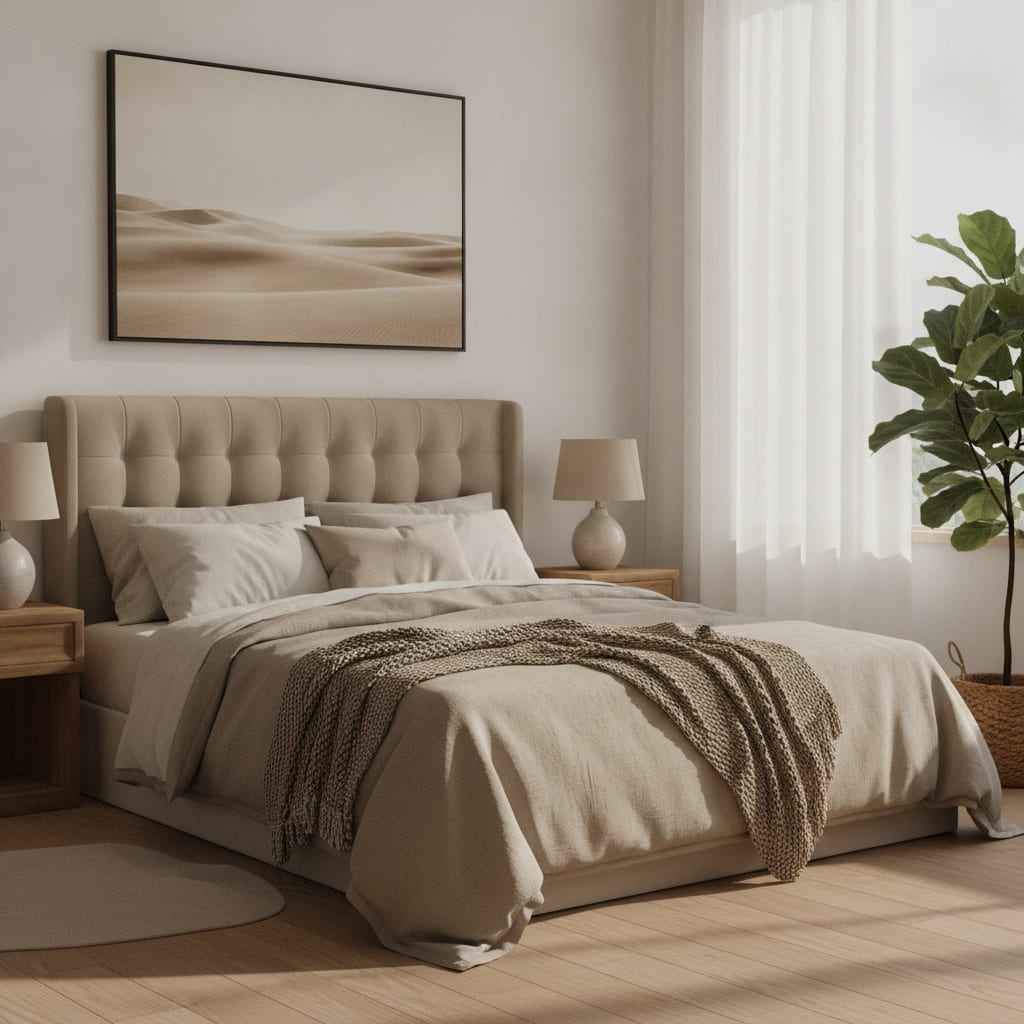
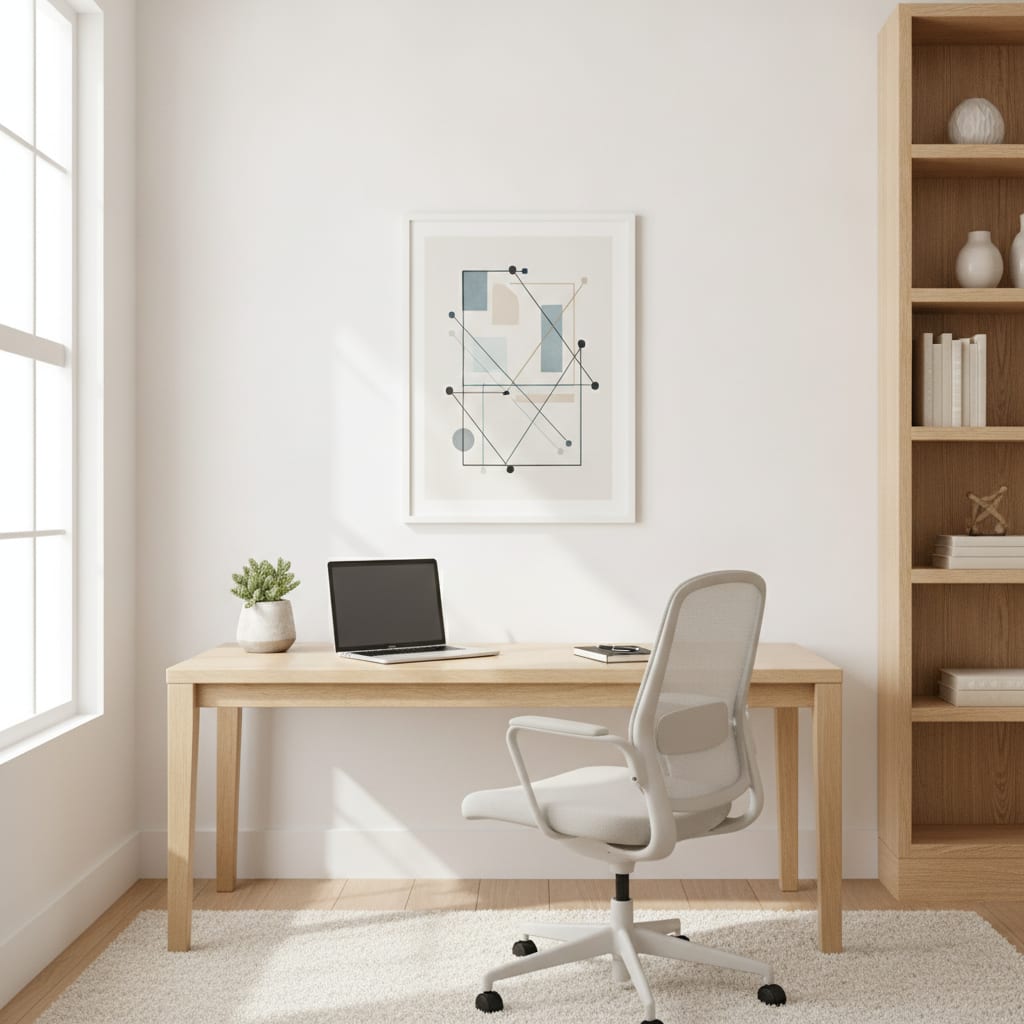
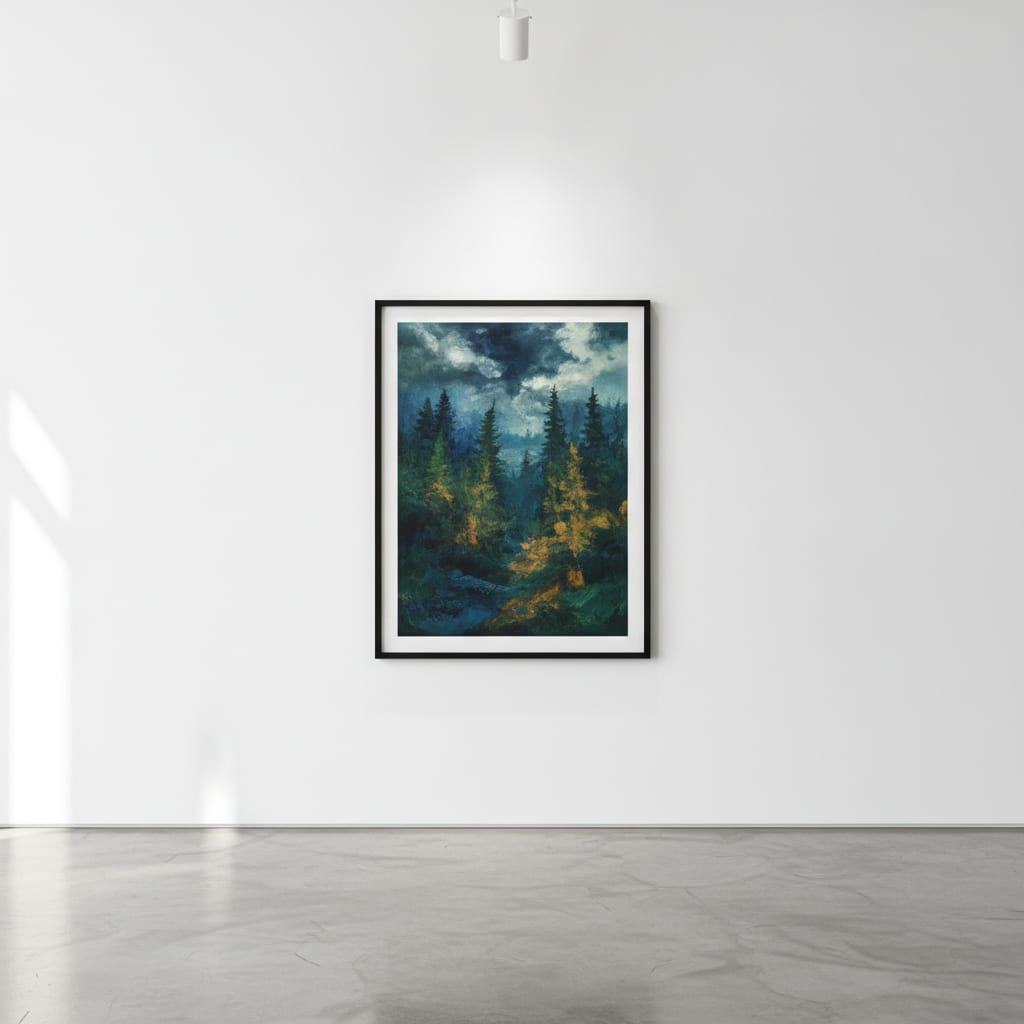
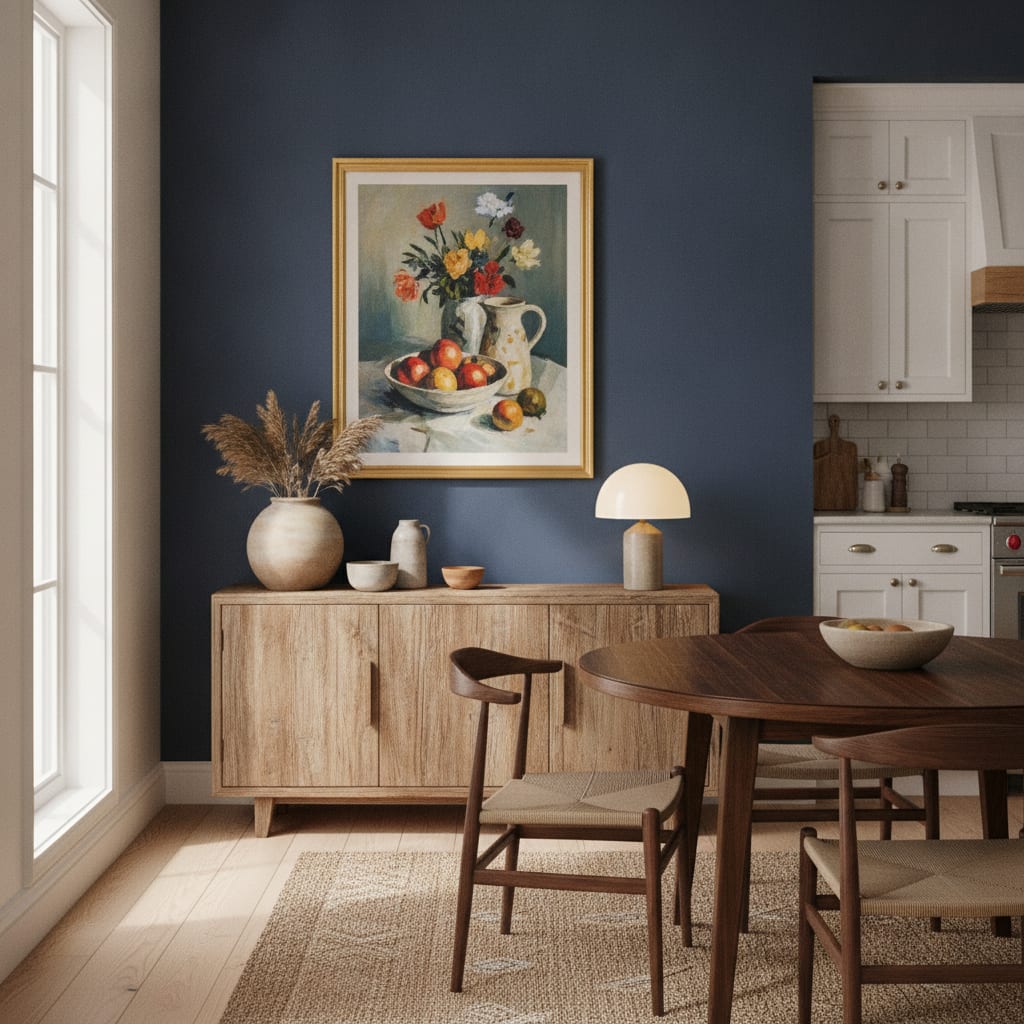
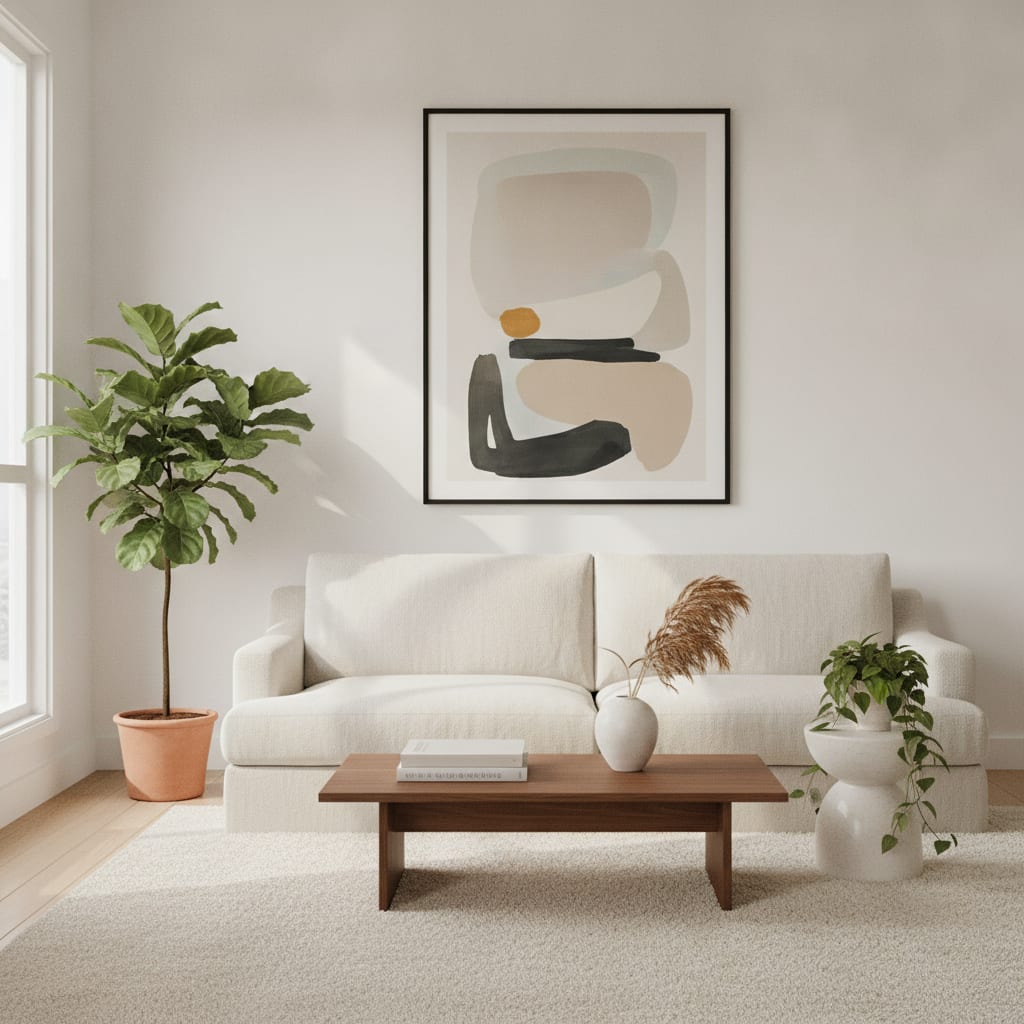
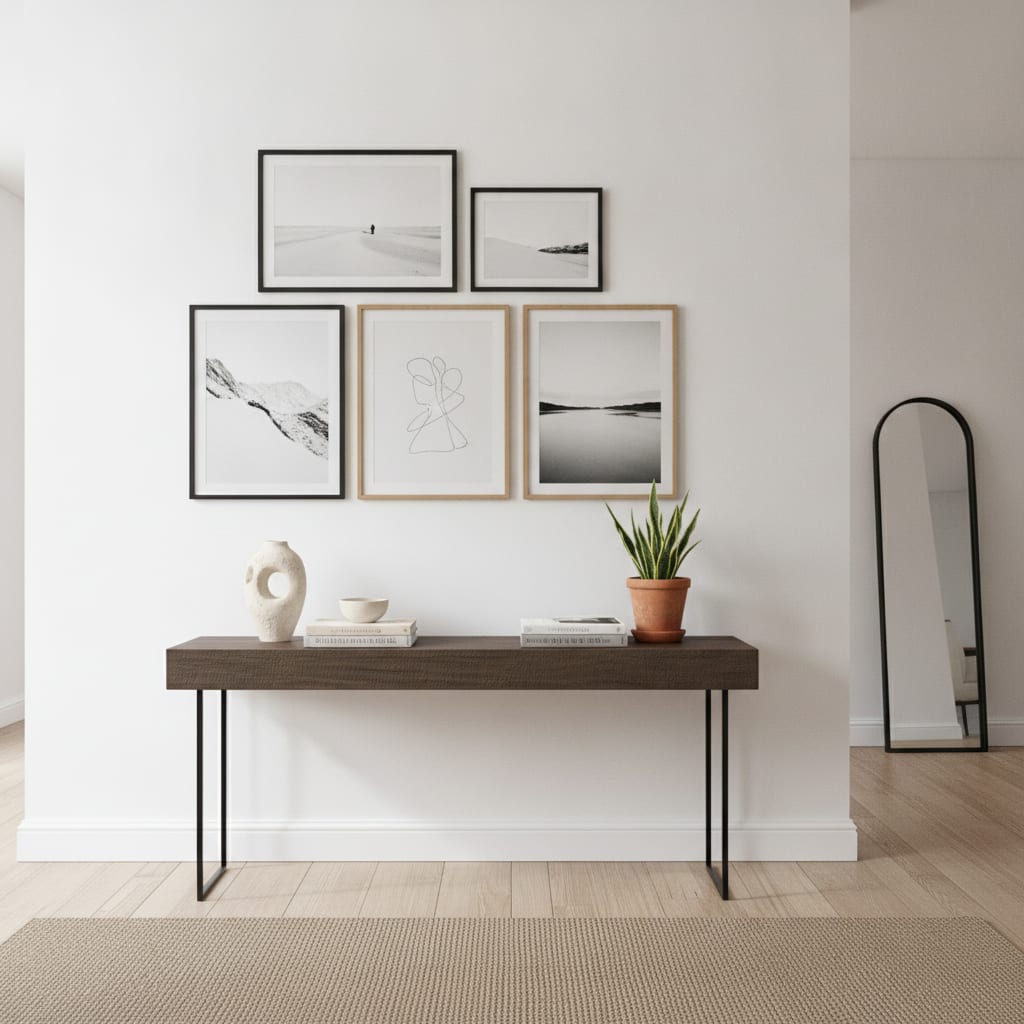
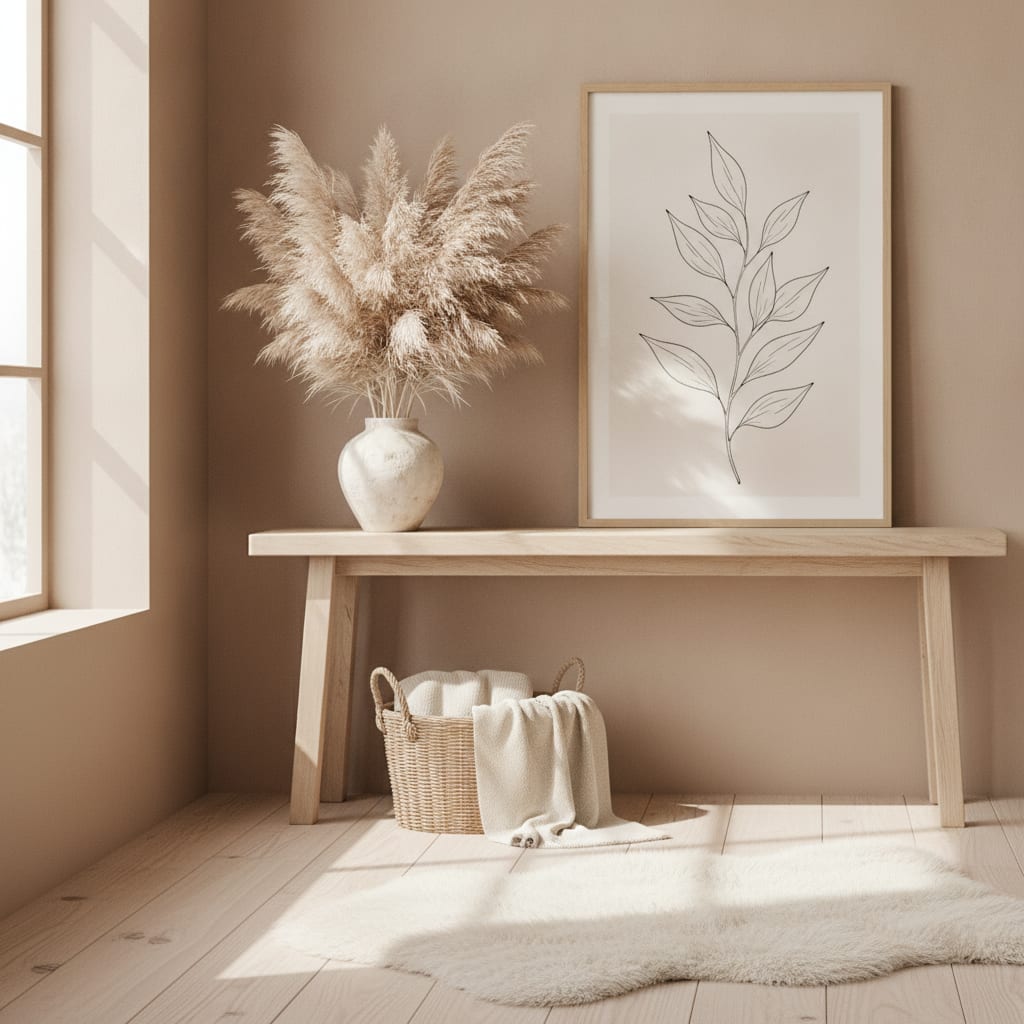

People Buy Art They Can Picture on the Wall
A flat scan shows the image, but not the size, the frame, or how it looks in a room — and that’s exactly what a buyer needs to decide. Staging and photographing every piece costs time and money. MockupWall does it from a single photo.
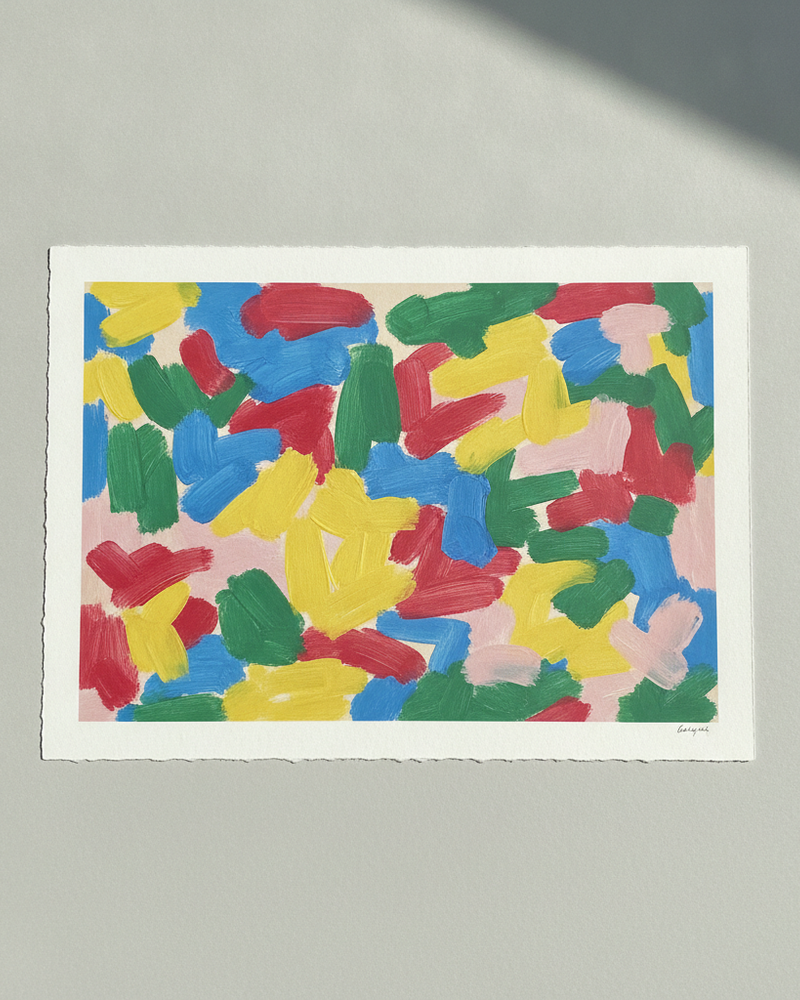
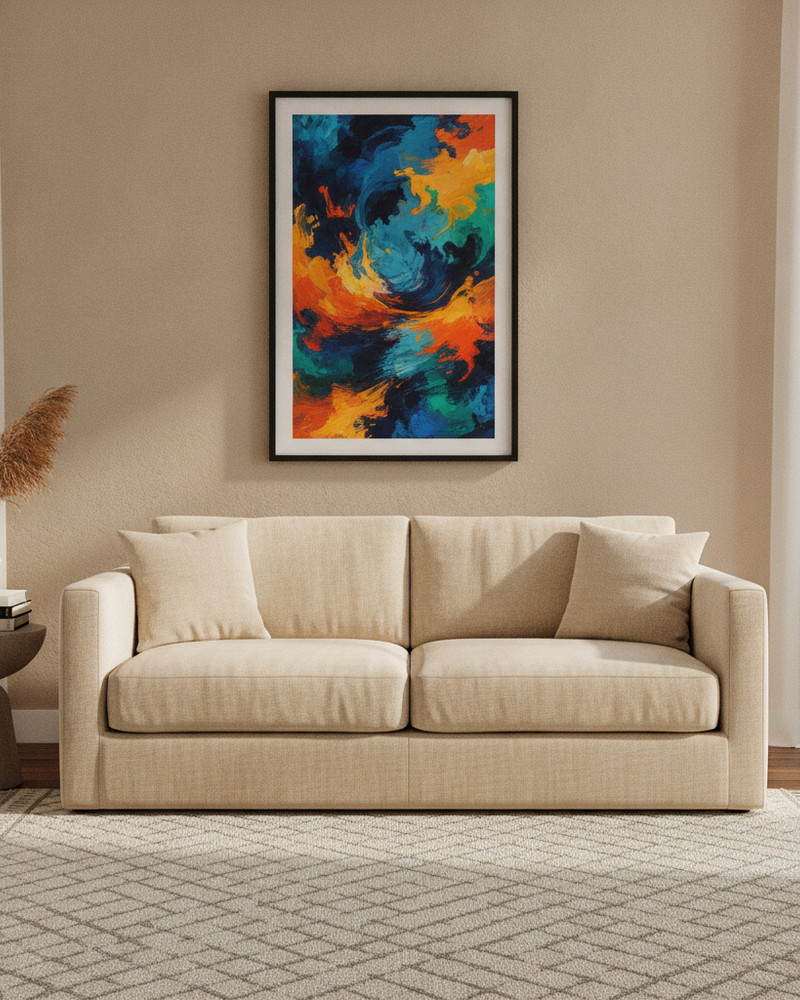
From a flat art file to a framed piece on a styled wall
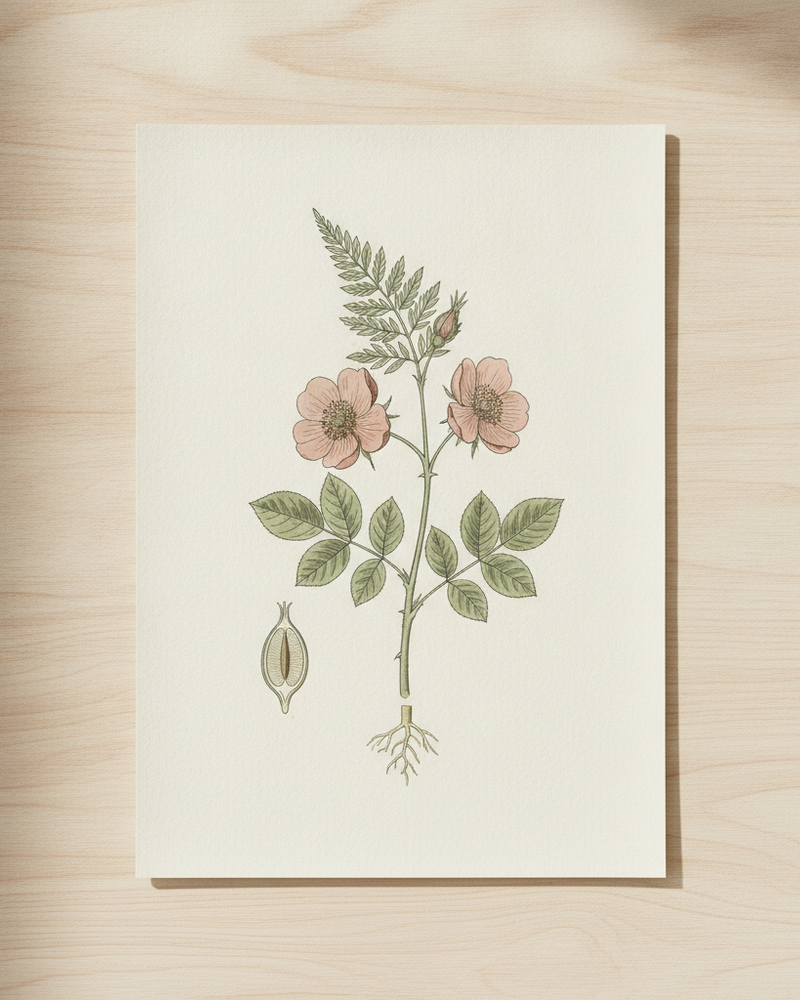
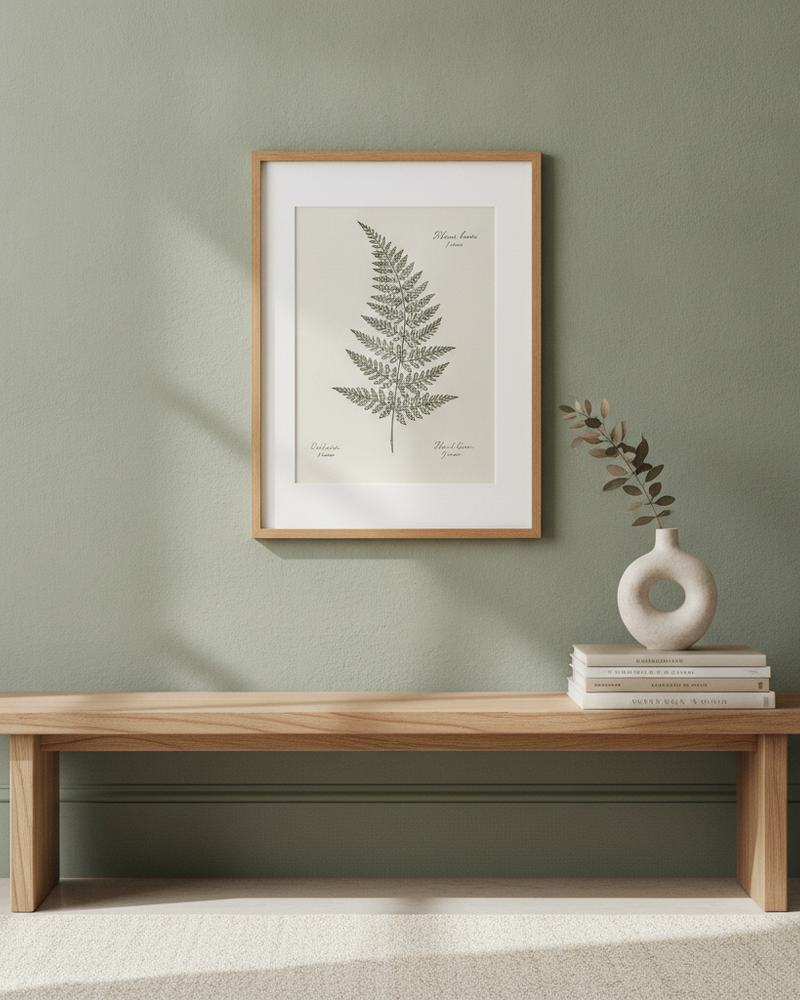
From a scanned print to an in-room listing photo
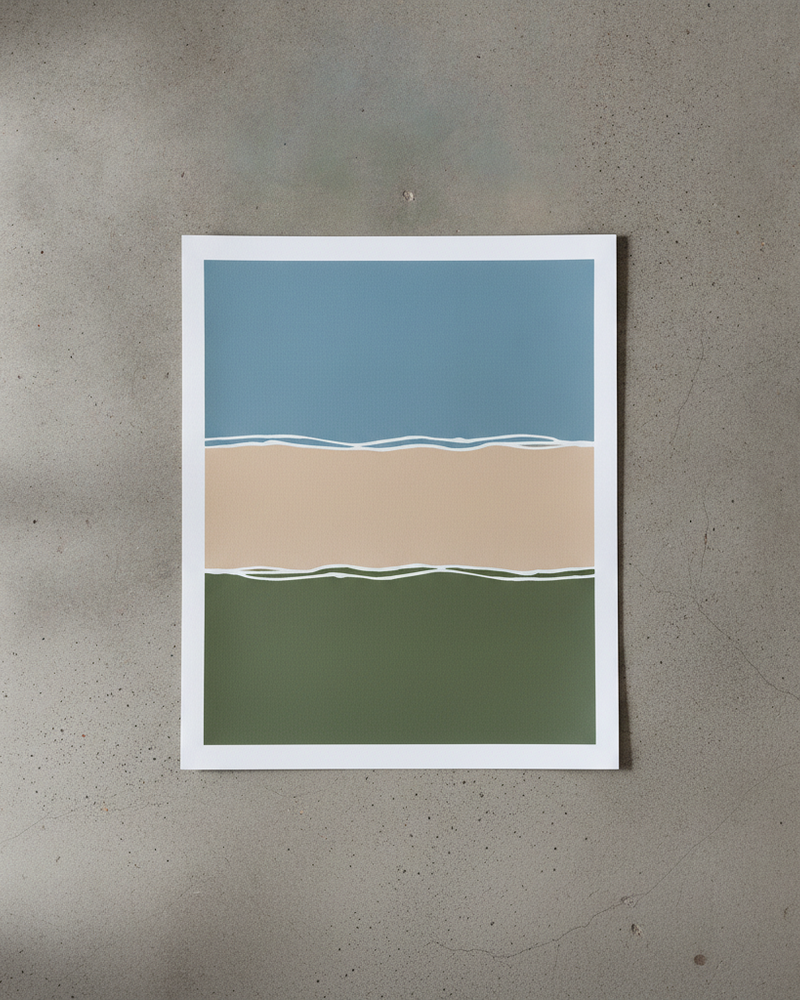
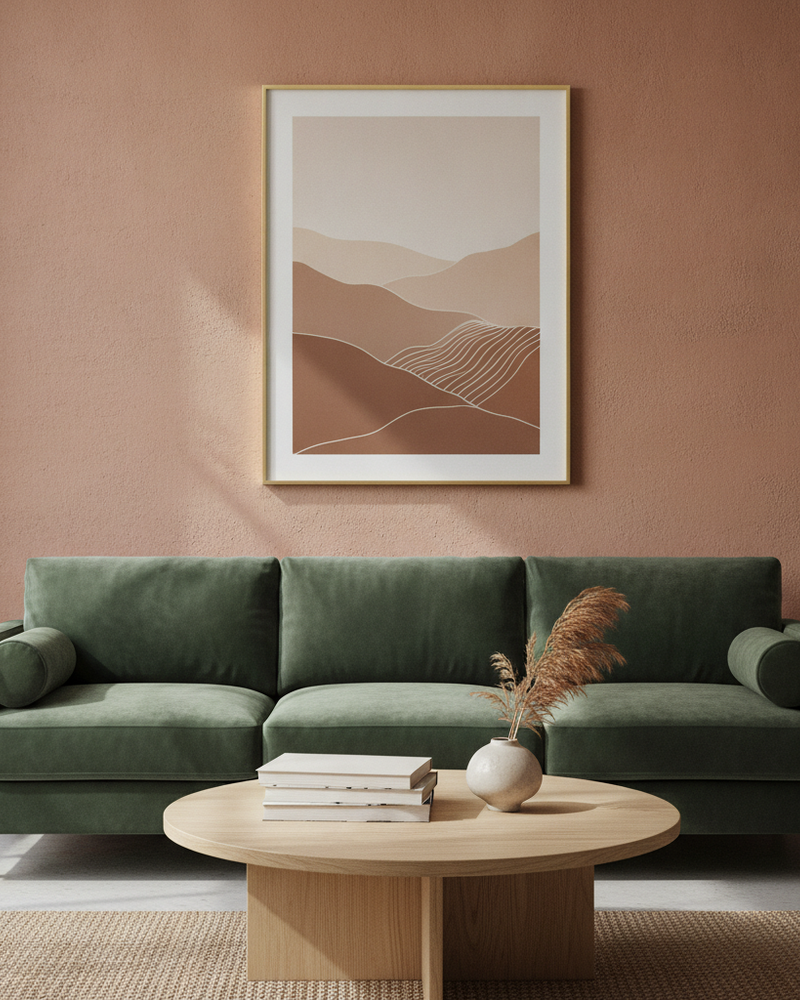
From a plain image to art shown at true scale
How It Works
Add Your Artwork
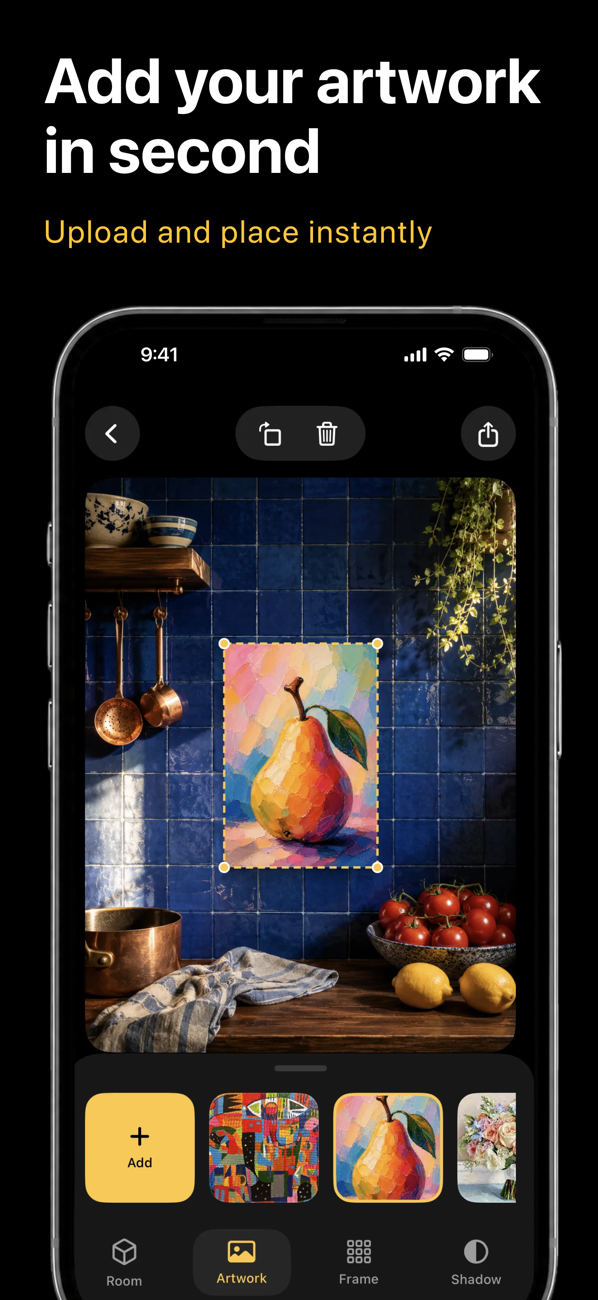
Upload or snap a photo of your art, print, or poster, and enter its real dimensions so the scale stays accurate.
Pick a Scene
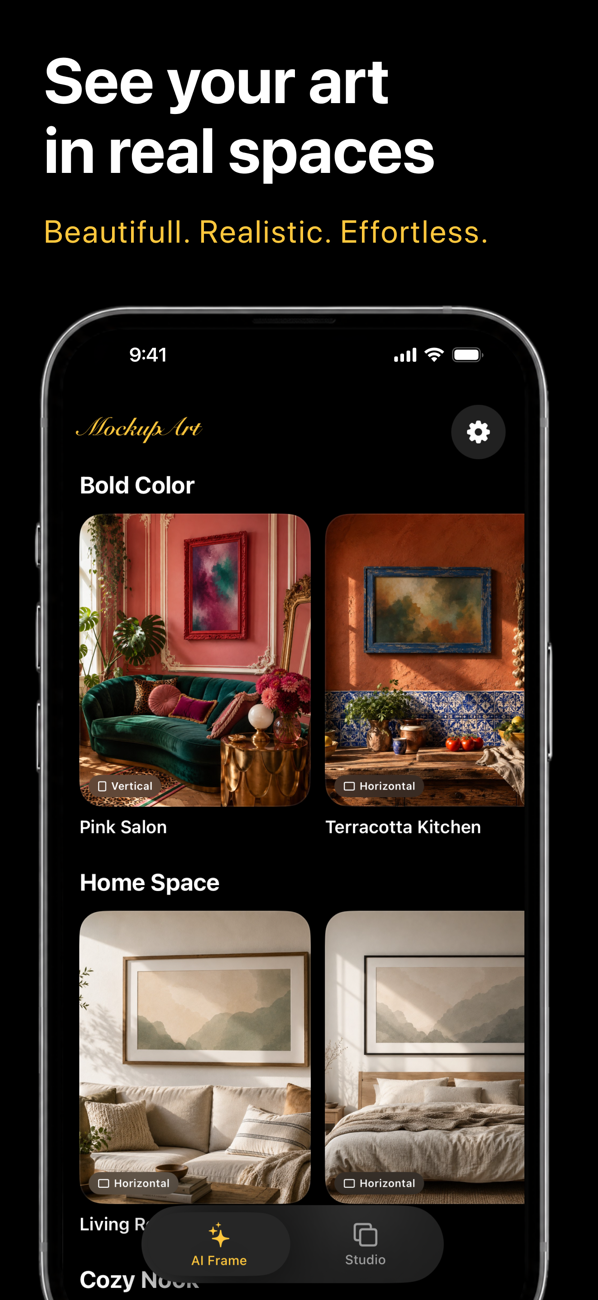
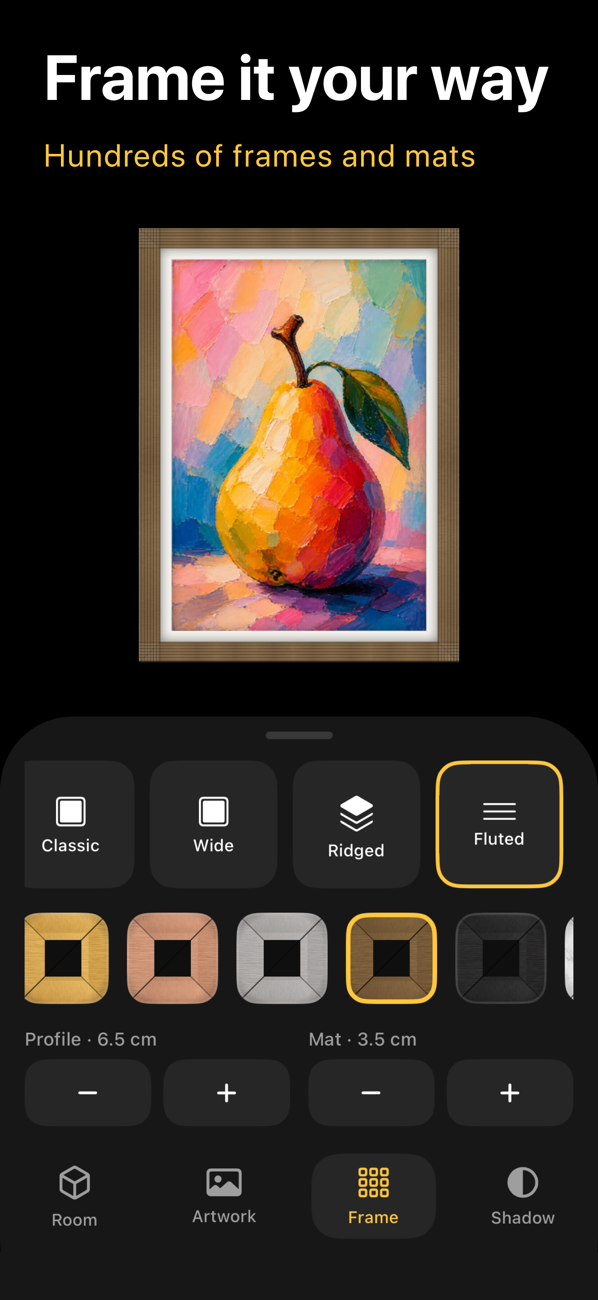
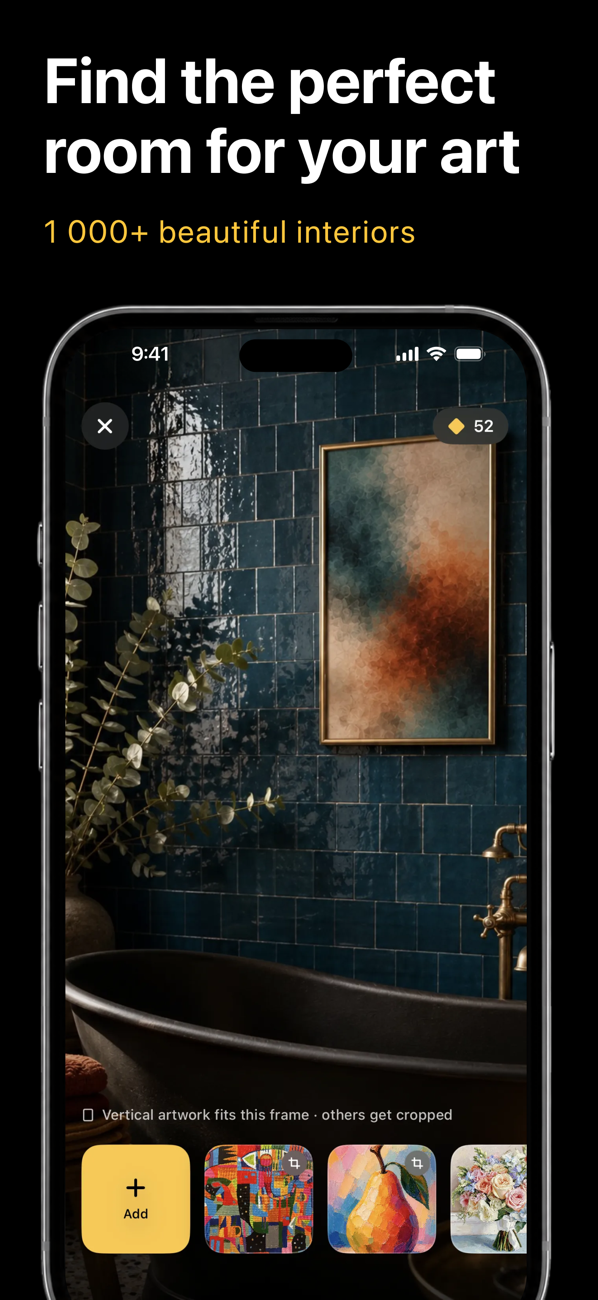
Choose from thousands of interior scenes — or upload a photo of your own wall — and set the frame, mat, and edge color.
Export & Sell
The app matches lighting and shadow for a photoreal result. Export a high-resolution image for your shop, listing, or feed.
The Whole Studio in Your Pocket
Upload, place, frame, and export — these are real screens from the app.
Who uses MockupWall?
MockupWall — The Wall Art Mockup Generator for Sellers
Selling art online comes down to one thing: helping a buyer picture the piece on their own wall. MockupWall is a wall art mockup generator that places your artwork, prints, posters, and photography into realistic interior scenes — with the right frame, the right light, and the right size — so a flat image becomes a scroll-stopping, in-context product photo. Artists, Etsy sellers, and print-on-demand shops use it to produce listing images that look staged, without renting a room or hiring a photographer.
Because you enter your artwork's real dimensions, every mockup is shown at true scale — a small print reads small and an oversized canvas reads oversized — which sets the right expectation and cuts down on returns. Choose from thousands of interior scenes, or upload a photo of your own wall to place art exactly where it will hang. Add a frame and mat, preview the piece against different wall colors, or arrange several works into a balanced gallery wall layout. And because it's a mobile app, the whole workflow — from photo to high-resolution export — fits in your pocket.
Whether you run a busy Etsy art shop, a print-on-demand store, a photography print catalogue, or an interior design practice, MockupWall gives you unique, in-room images that help buyers commit. Download the app and see your art on the wall — powered by AI, built for creators.
Built for the Way You Sell Art
One photo of your artwork is all it takes. Here’s what creators do with it.
Generate several scenes and sizes per print so your Etsy or Shopify listing uses every photo slot — more context, more trust.
Every mockup is built from your own art, so your listings don’t look like the identical stock templates thousands of sellers reuse.
Enter real dimensions and buyers see how big the piece actually is on a wall — the question that stalls most art purchases.
Upload a photo of a real room and place art on it at true scale to close a commission or an interior-design decision.
Arrange multiple prints into a balanced gallery wall layout and present a curated bundle as one finished look.
Turn a mockup into a short AI showcase video for Reels and TikTok — movement that stops the scroll, no editing.
Frequently Asked Questions
How do I make a wall art mockup with AI?
Upload a photo of your artwork, enter its real dimensions, and choose an interior scene (or upload your own wall). MockupWall places the art on the wall with a frame, matched lighting, and a natural shadow, at true scale — then you export a high-resolution image.
Learn more: Wall art mockup guide →How is this different from Placeit and template mockups?
Template tools paste your image into stock scenes shared by thousands of sellers, so every listing looks the same. MockupWall generates each mockup from your own art and scene choices at true scale, so the images are unique to your shop.
Learn more: Placeit comparison →Can I see the art on my own wall?
Yes. Upload a photo of a real wall and place the artwork on it at true scale, with a frame and realistic shadow — ideal for commissions, home planning, and client previews.
Learn more: Room visualizer →Does the size stay accurate?
Yes. Because you enter the artwork’s real dimensions, it appears at true scale in the scene, so a small print and an oversized canvas read as different sizes — just like in person.
Learn more: Canvas mockups →Can I make a gallery wall with several prints?
Yes. Arrange multiple artworks into a grid or gallery layout on a real-looking wall, adjust spacing and frames until it balances, and export the finished arrangement — great for selling print sets.
Learn more: Gallery wall maker →Is it free, and what devices does it run on?
MockupWall is free to download and lets you create mockups before paying. A subscription unlocks unlimited mockups and the full scene library. It runs on iPhone and iPad — there’s no web or Android version.
Learn more: Free mockup generator →Latest Guides
How to Photograph Your Art for Prints and Mockups
Every mockup and print starts with one photo of the artwork. Get that photo right and everything downstream looks better — here’s how.
Gallery Wall Layout Ideas (and How to Preview Them First)
A gallery wall lives or dies on the arrangement. Here are layouts that work — and how to see yours on the wall before a single nail goes in.
How to Sell Art Prints on Etsy: Photos That Convert
On Etsy, the thumbnail does most of the selling. Here’s how to make listing photos that stand out from the identical template every other art shop uses.
How to Make Wall Art Mockups Without Photoshop
Buyers purchase art they can picture on a wall. Here’s how to turn a flat print file into an in-room mockup at true scale — from your phone, in minutes.
What Size Should Wall Art Be? A Simple Guide
Too small and the art looks lost; too big and it overwhelms. Here’s the simple proportion rule — and how to see the right size on your wall before you buy or hang.
See Your Art ON THE WALL
Free to download · iPhone & iPad