Art Mockups for Photographers
Sell framed photographic prints by showing them framed — on a wall, at the right size.

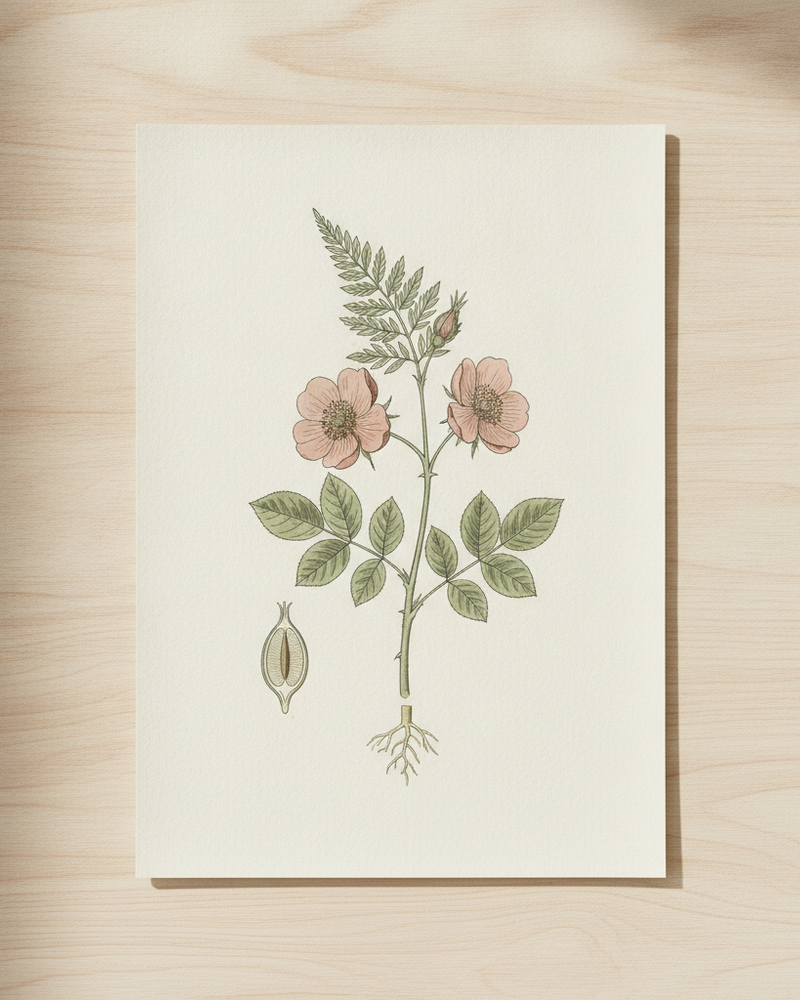
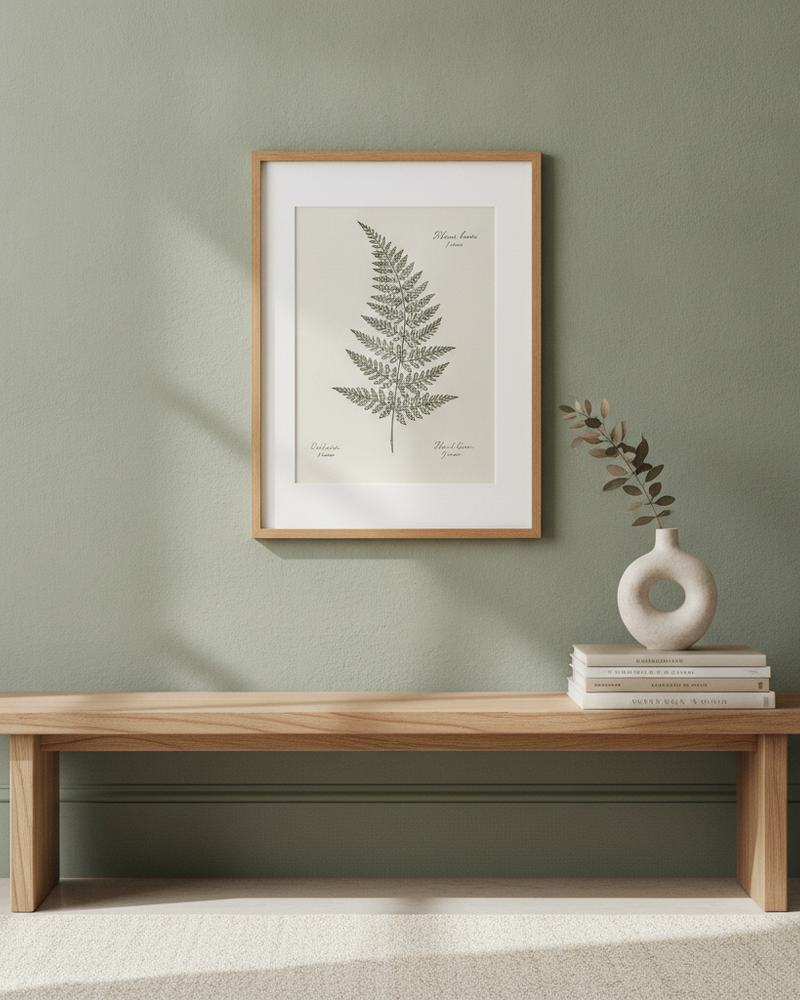
A photographer’s print shop is only as persuasive as its presentation. Buyers paying for a large framed landscape or a fine-art portrait want to see the finished print on a wall, at a size they can judge — not a web-sized version of the image they could screenshot for free. The in-room, framed presentation is what signals quality and justifies the price.
MockupWall turns each photo into that presentation: framed, in a realistic interior, at the true dimensions you enter. Produce a consistent catalogue across your whole portfolio, offer multiple sizes of the same image, and export high-resolution photos for your store — all from your phone, without renting a wall and a camera for every shot.
Why MockupWall
Framed, at a buyable size
Show the photo as a finished framed print in a room, at true scale, which is what a print collector is actually buying.
One portfolio, many sizes
Offer small, medium, and large framed versions of each photograph by changing the dimensions you enter.
Catalogue consistency
Use matching scenes across the portfolio so the whole print shop looks cohesive and considered.
How It Works
Add your artwork
Upload or photograph your art, print, or poster and enter its real dimensions so the scale stays accurate.
Pick a scene
Choose from thousands of interior scenes — or upload your own wall — and set the frame, mat, and edge color.
Export & sell
The app matches lighting and shadow for a photoreal result. Export a high-resolution image for your shop, listing, or feed.
Frequently Asked Questions
How do I present photo prints for sale?
Upload the photo, add a frame, enter the print size, and choose a scene. MockupWall places it on a wall at true scale with realistic lighting and shadow, then exports a high-resolution image.
Can I show the same photo in different sizes?
Yes. Enter different dimensions and the framed photo is re-placed at that true scale, so buyers see how each size option reads in a room.
Is this efficient for a large catalogue?
Yes. You can mock up print after print from your phone without staging a physical scene for each one, keeping a consistent look across the catalogue.
Is it free?
Free to download and create mockups; a subscription unlocks unlimited use and all scenes.
See Your Art ON THE WALL
Free to download · iPhone & iPad