Framed Print Mockup Generator
The frame is half the product — show it, in a room, the way it will actually hang.

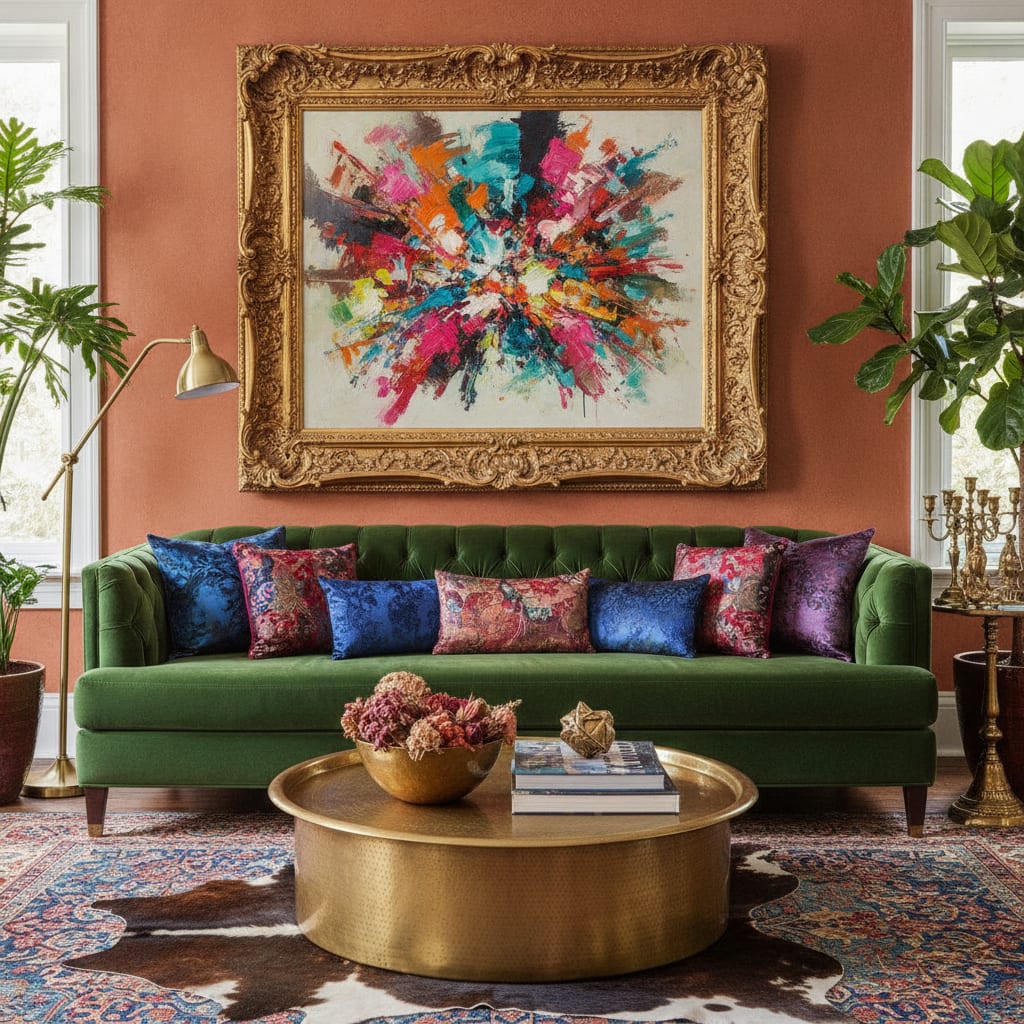
When someone buys a framed print, they are buying the whole object: the frame colour, the mat width, the finished piece on a wall. A bare image file hides all of it. A framed print mockup shows the complete product in context, which answers the questions that otherwise turn into hesitation or returns.
With MockupWall you upload the artwork, choose a frame, mat, and edge colour, and place it in a scene at the real size you enter. The app handles lighting and the shadow the frame casts on the wall, so the result looks photographed rather than composited. Export high-resolution images for listings, or upload a client’s own wall to show a commission in place.
Why MockupWall
Choose the frame and mat
Set frame style, mat, and edge colour in the app to present the exact finished product you sell.
Hung, not floating
A natural wall shadow and matched room lighting make the framed piece read as really hanging there.
Scale that matches the listing
Enter real dimensions so the framed print appears the right size for the room — no guesswork for the buyer.
How It Works
Add your artwork
Upload or photograph your art, print, or poster and enter its real dimensions so the scale stays accurate.
Pick a scene
Choose from thousands of interior scenes — or upload your own wall — and set the frame, mat, and edge color.
Export & sell
The app matches lighting and shadow for a photoreal result. Export a high-resolution image for your shop, listing, or feed.
Frequently Asked Questions
How do I make a framed print mockup?
Upload your print, choose a frame, mat, and edge colour, enter the size, and pick a scene. MockupWall places the framed piece on the wall with accurate scale, lighting, and shadow, then exports a high-resolution image.
Can I change the frame colour?
Yes. You can adjust the frame style, mat, and edge colour to match what you offer and to show buyers their options.
Will it look like a real photo?
The app matches scene lighting and adds the shadow a frame casts on the wall, so the mockup reads as a photographed, hung piece rather than a flat paste.
Can I place it on a specific wall?
Yes. Upload a photo of a real wall — yours or a client’s — and place the framed print on it to show exactly how it will look.
See Your Art ON THE WALL
Free to download · iPhone & iPad