Art Mockups for Artists
Present your work the way collectors picture it — framed, scaled, and hanging in a room.

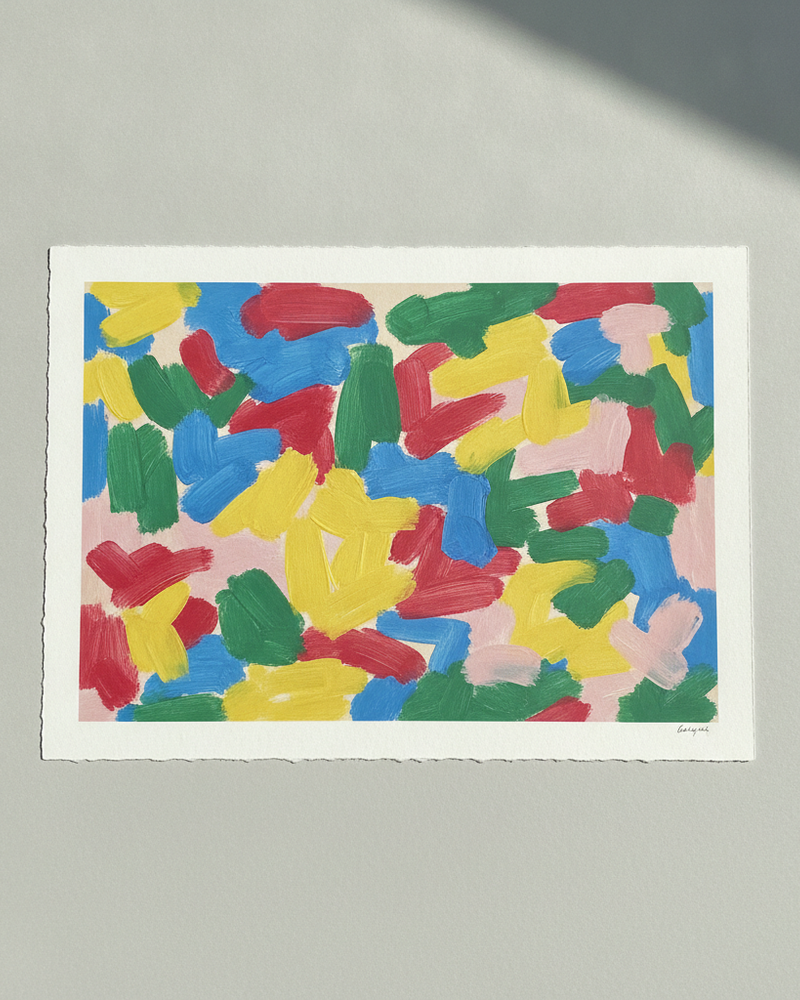
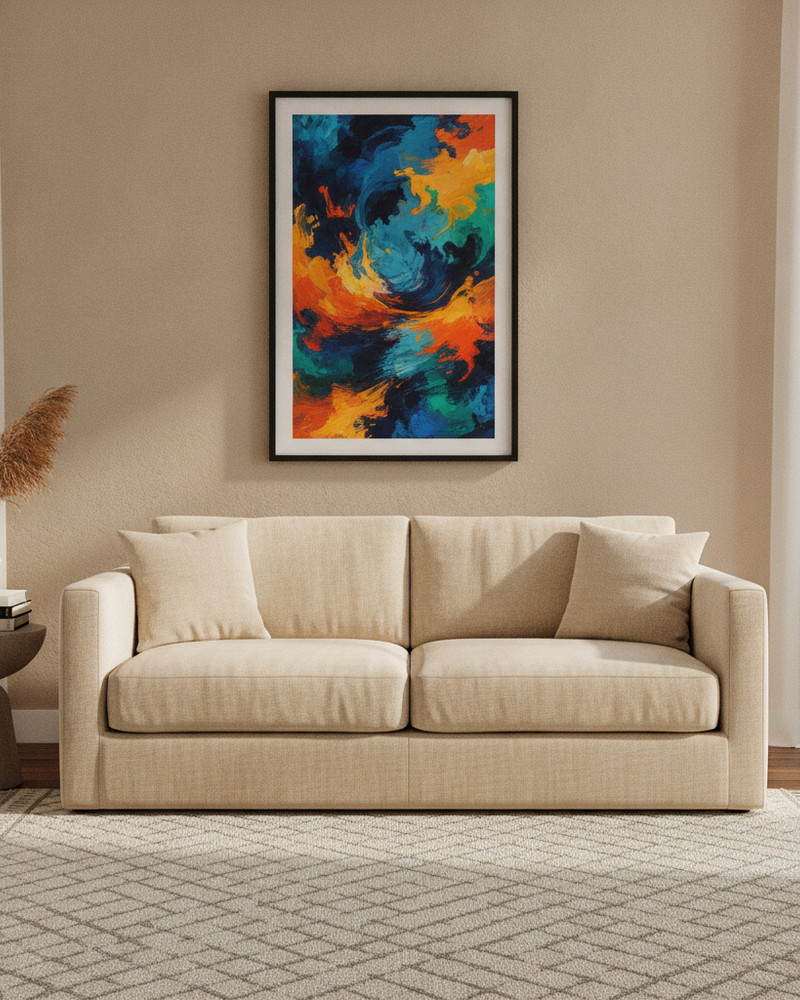
As an artist, the hardest part of selling online is bridging the gap between a flat photo of your work and a collector imagining it on their wall. Originals and prints both suffer the same way: a tight crop of the image loses the scale and the context that make someone fall in love with a piece enough to buy it.
MockupWall lets you place any painting, drawing, or print in a realistic room at its true size, with a frame and natural light. Build a consistent set of presentation images for your shop and socials, show a commission on a client’s own wall, or present a whole collection as a gallery wall. It all happens on your phone, from a photo of the work.
Why MockupWall
Context sells the piece
Collectors buy when they can picture the work in a space — an in-room mockup at true scale does that for them.
A cohesive body of work
Present originals and prints in matching scenes so your shop and feed read as one considered collection.
Commissions in a client’s room
Upload a client’s wall photo to show exactly how a commissioned piece will look before you deliver.
How It Works
Add your artwork
Upload or photograph your art, print, or poster and enter its real dimensions so the scale stays accurate.
Pick a scene
Choose from thousands of interior scenes — or upload your own wall — and set the frame, mat, and edge color.
Export & sell
The app matches lighting and shadow for a photoreal result. Export a high-resolution image for your shop, listing, or feed.
Frequently Asked Questions
Can I mock up original paintings, not just prints?
Yes. Photograph the original, enter its dimensions, and place it in a scene at true scale with a frame — the same workflow works for originals, drawings, and prints.
How do I show a commission to a client?
Upload a photo of the client’s wall and place your artwork on it at the real size, so they can see the piece in their own space before it’s finished or shipped.
Can I present a whole collection?
Yes. Use consistent scenes across pieces, or arrange several works into a gallery wall layout to present a collection as one cohesive wall.
What does it cost?
Free to download and create mockups; a subscription unlocks unlimited mockups and all scenes. iPhone and iPad.
Guides
- How to Photograph Your Art for Prints and MockupsEvery mockup and print starts with one photo of the artwork. Get that photo right and everything downstream looks better — here’s how.
- How to Make Wall Art Mockups Without PhotoshopBuyers purchase art they can picture on a wall. Here’s how to turn a flat print file into an in-room mockup at true scale — from your phone, in minutes.
See Your Art ON THE WALL
Free to download · iPhone & iPad