Poster Mockup Generator
Posters sell on vibe and scale — put yours in a room, not on a white background.

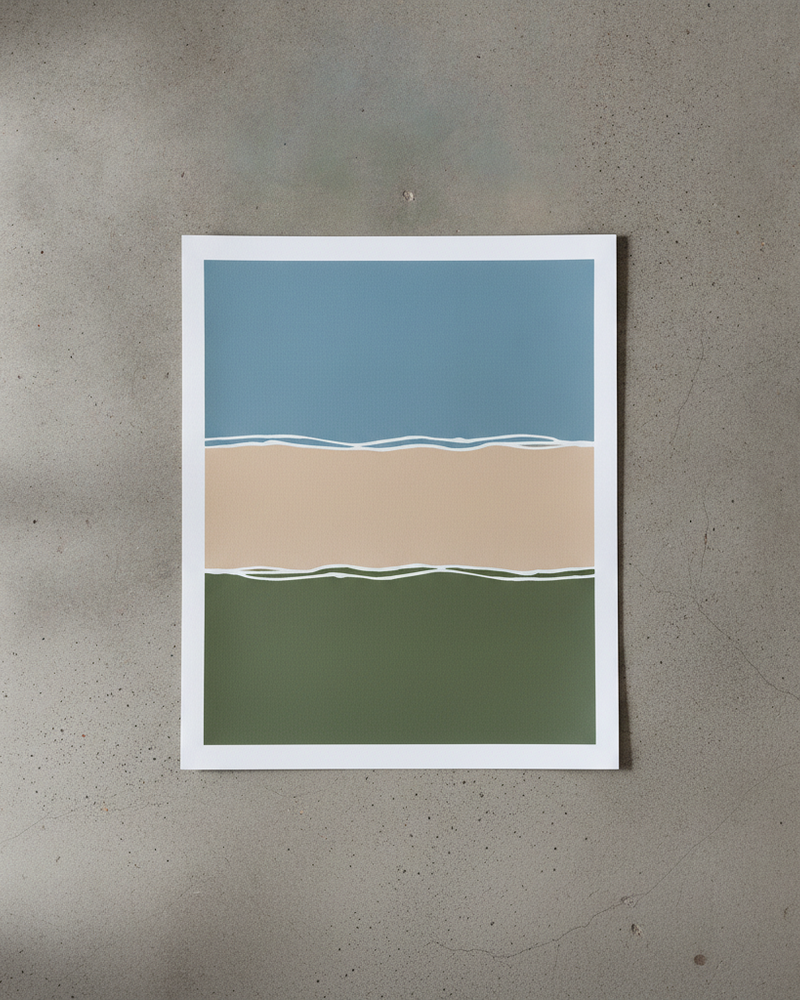
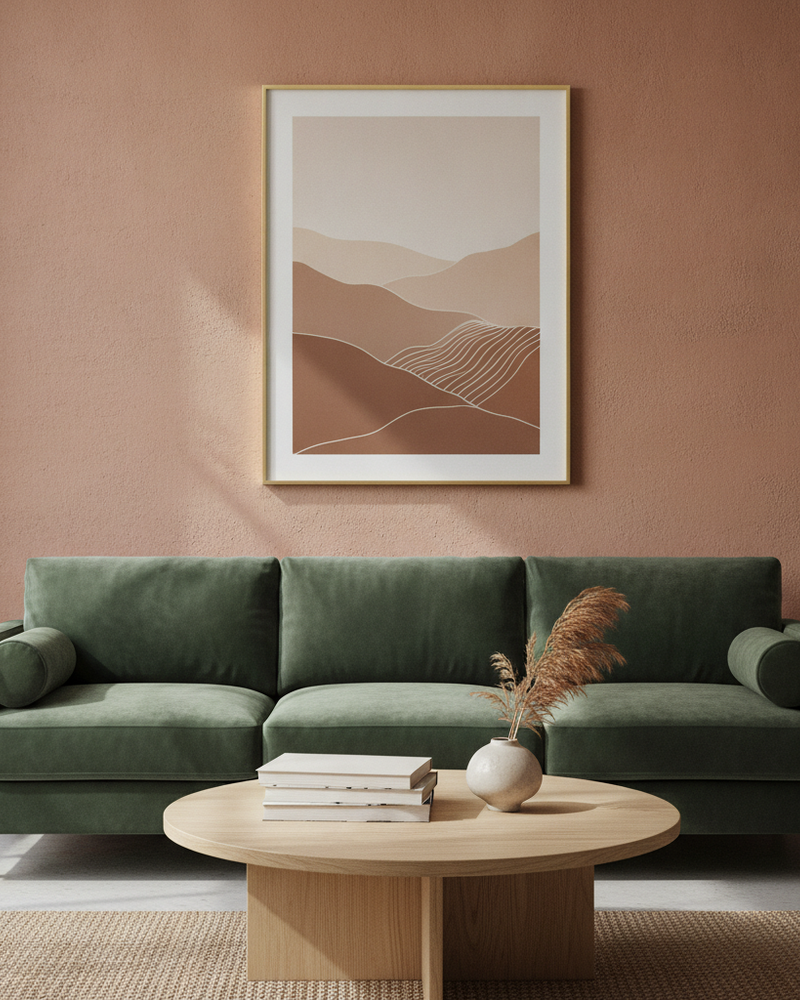
A poster on a plain white background is just a graphic. The same poster framed above a desk, a sofa, or a bed suddenly has a size, a mood, and a place in someone’s life — and that is what makes a buyer add it to cart. Showing posters in context is the single biggest lever for print shops, and it used to require staging a room and a camera.
MockupWall does it from a photo. Upload your poster artwork, enter the print size, pick a scene, and the app frames it on the wall with accurate scale, lighting, and shadow. Swap scenes to match different aesthetics — minimalist, bold, cozy — and export high-resolution images for every listing slot.
Why MockupWall
Context beats a white background
A framed poster in a real room communicates size and style instantly, which plain product shots can’t.
Right size, every time
Enter the print dimensions and the poster is placed at true scale, so an A3 and an A1 read differently on the wall.
Frames and mats included
Add a frame, mat, and edge color in the app to show the finished, ready-to-hang look.
How It Works
Add your artwork
Upload or photograph your art, print, or poster and enter its real dimensions so the scale stays accurate.
Pick a scene
Choose from thousands of interior scenes — or upload your own wall — and set the frame, mat, and edge color.
Export & sell
The app matches lighting and shadow for a photoreal result. Export a high-resolution image for your shop, listing, or feed.
Frequently Asked Questions
How do I create a poster mockup?
Upload your poster design, enter its size, and choose an interior scene. MockupWall frames it on the wall at true scale with realistic lighting and shadow, then exports a high-resolution image.
Can I show the poster in several rooms?
Yes. Generate the same poster across multiple scenes to fill a listing gallery and appeal to different buyers without staging anything.
Can I add a frame?
Yes. The app includes frames, mats, and edge colors, so you can present the poster framed or as an unframed print.
Is it free to use?
Free to download and create mockups; a subscription unlocks unlimited mockups and all scenes. iOS only (iPhone and iPad).
See Your Art ON THE WALL
Free to download · iPhone & iPad