Blog · November 8, 2026
How to Sell Art Prints on Etsy: Photos That Convert
Short answer
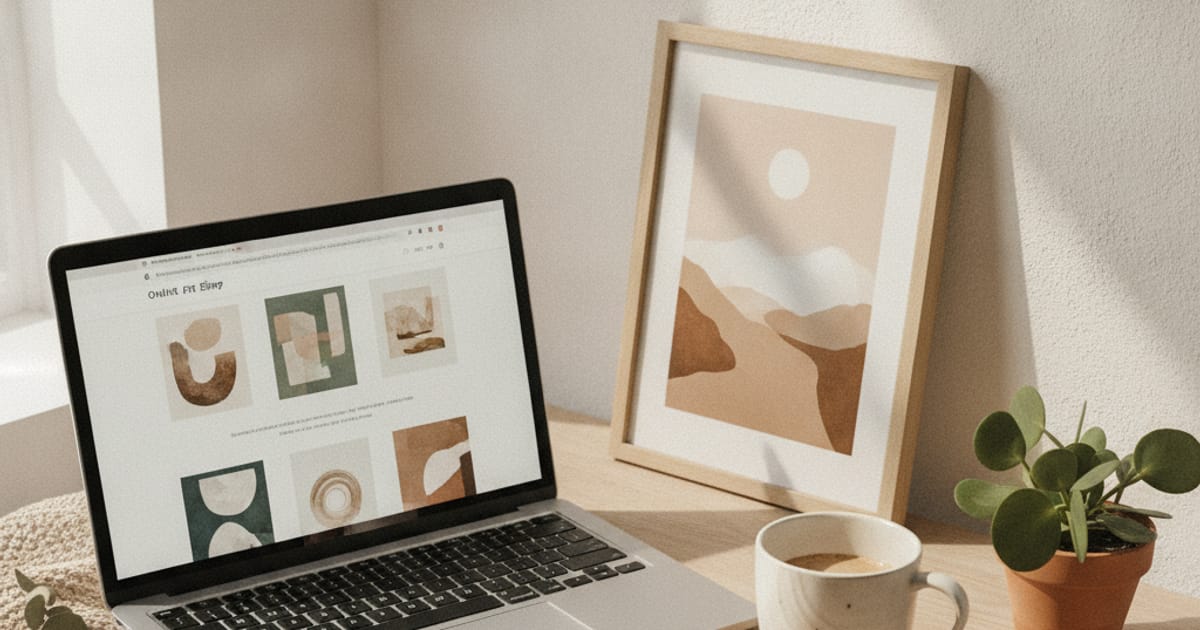
To sell more art prints on Etsy, show each print in realistic rooms at true scale instead of on a plain background or a generic template. Use several in-room mockups per listing to fill Etsy’s photo slots, show different sizes and settings, and make your shop look distinct. An app like MockupWall generates those images from your own art, so your listings don’t look like everyone else’s.
Etsy is a photo-first marketplace. Shoppers scan a grid of thumbnails and decide in a fraction of a second which listings to open, and for art prints that decision is almost entirely about the image. The problem is that most art shops use the same template mockups — the identical frame on the identical white wall — so their listings blend into one another. Standing out is less about the art being better and more about the photos looking specific, in-context, and real.
Why template mockups hold you back
Template generators are quick, but they’re shared by thousands of sellers, so your “frame next to a plant” is the same one buyers have scrolled past a hundred times. They also rarely match your print’s real size or framing, which means the photo can set the wrong expectation and lead to returns. In-room mockups built from your own art solve both problems: they look unique to your shop and they show the piece at true scale.
Fill every photo slot
Etsy gives you up to ten photos per listing, and using them is one of the simplest ways to build trust. With a mockup app you can generate the same print across several scenes and sizes in minutes, so you’re not leaving slots empty. A good set mixes a clean close-up of the print, a couple of styled rooms, a size reference, and — if you sell them — a gallery wall arrangement.
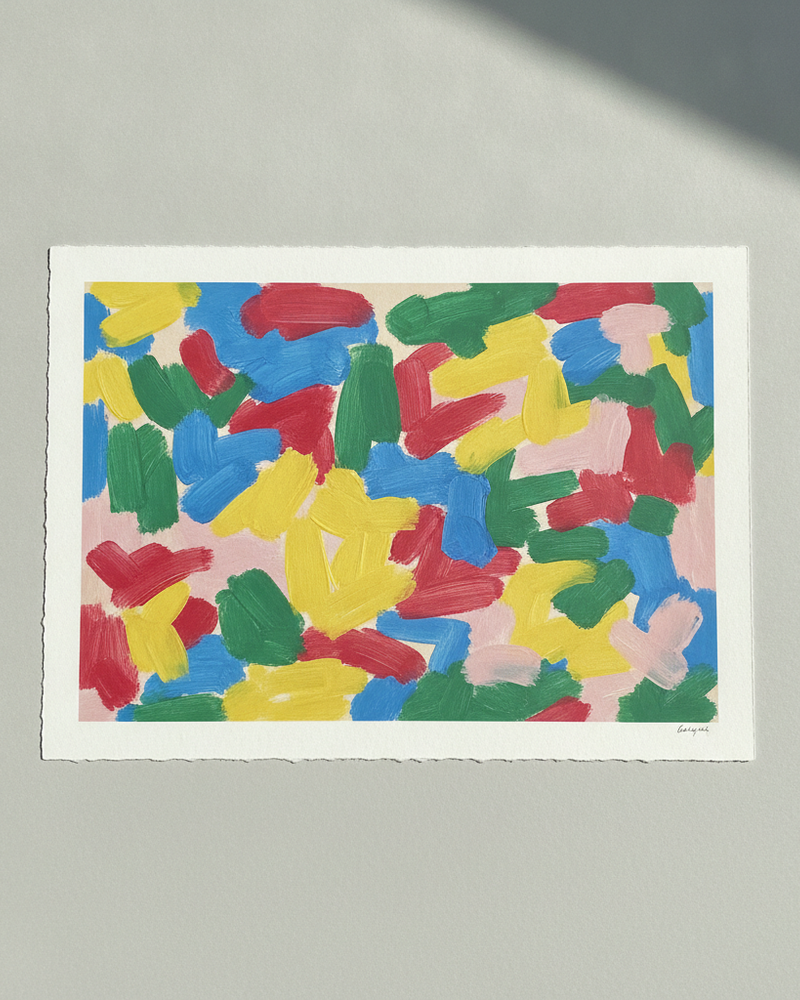
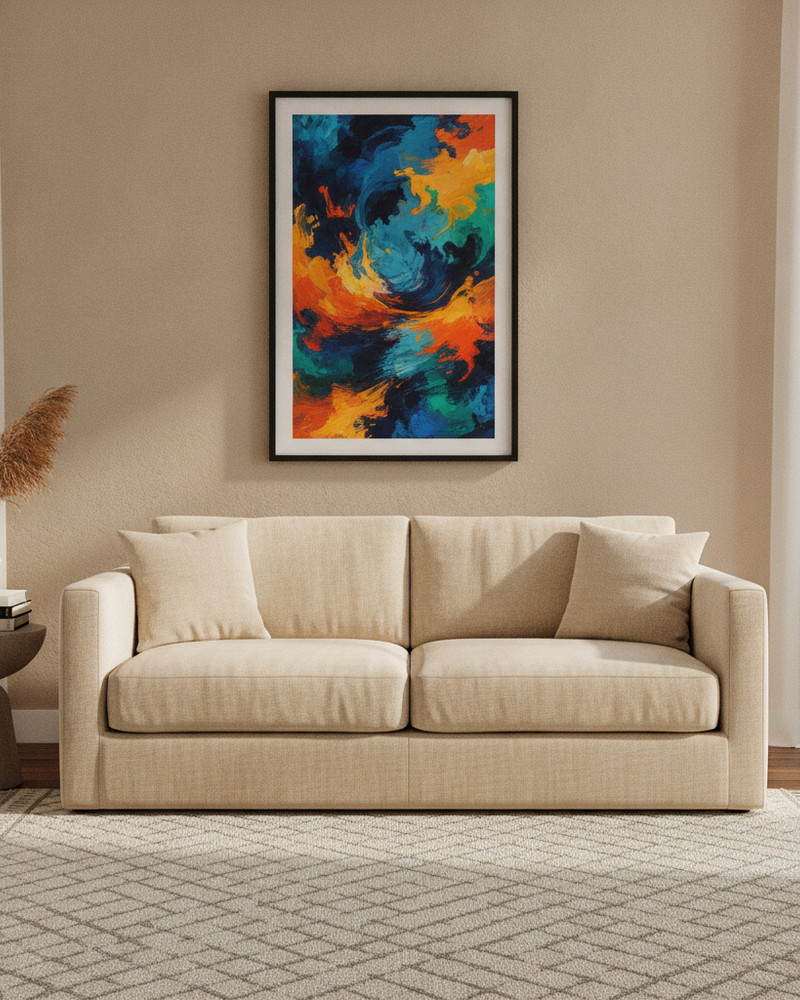
A listing photo set that converts
- A crisp, true-color image of the print itself.
- The print framed in a styled room that matches your shop’s aesthetic.
- A second room in a different style, to widen the appeal.
- A true-scale shot that makes the size obvious against furniture.
- A gallery wall or size-comparison image if you sell sets or multiple sizes.
How to make them quickly
MockupWall is built for exactly this: upload your print, enter its size, choose scenes and frames, and export high-resolution images you upload to your Etsy listings yourself. There’s no Etsy integration to set up — you just add the finished photos to your listing — and because every mockup is generated from your own art, your shop stops looking like a template and starts looking like a brand.
Frequently Asked Questions
What photos should an Etsy art print listing have?
A clean image of the print, two or three styled in-room mockups in different settings, a true-scale shot that shows the size, and a gallery wall or size-comparison image if relevant. Fill as many of Etsy’s ten slots as you can.
Do in-room mockups really help sales?
They help buyers picture the print in a space and make your listings look distinct from shops using identical templates, which is a common lever for click-through and conversion. Actual results depend on your art, pricing, and niche.
Does MockupWall connect to Etsy?
No. It creates the images and you upload them to your listings yourself — there’s no Etsy plugin, integration, or bulk API.
Is it free to make the mockups?
MockupWall is free to download and create mockups; a subscription unlocks unlimited mockups and the full scene library. iOS only.