Canvas Mockup Generator
A gallery-wrapped canvas reads completely differently from a flat scan — show the real thing.

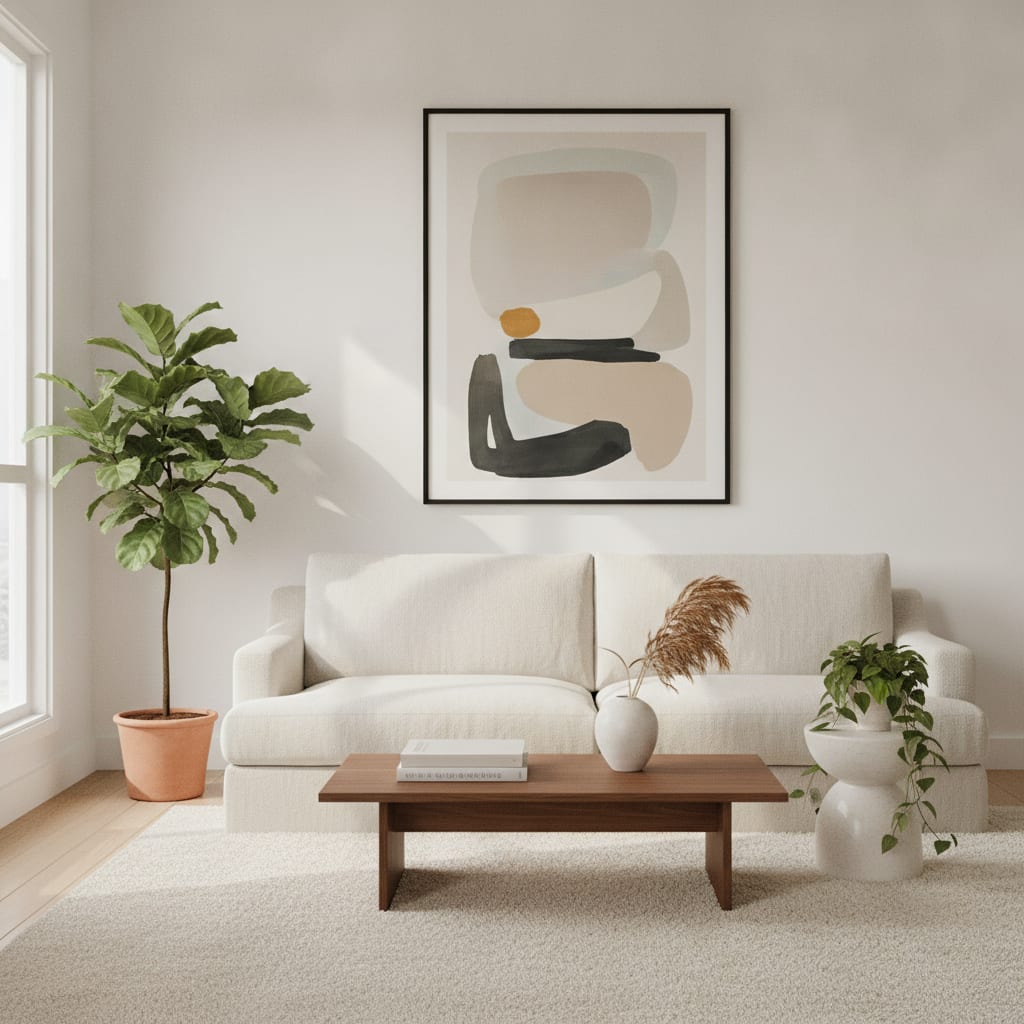
Canvas is a format as much as an image. The depth of the wrap, the way the edge turns the corner, the frameless gallery look — none of that survives a flat JPEG of your art. A canvas mockup puts the piece on a wall as a canvas, so a buyer sees the product they are actually ordering, not a thumbnail of the artwork.
MockupWall builds the scene from your uploaded art and the real dimensions you enter, so the canvas sits at true scale with natural lighting and a soft drop shadow off the wall. Place it in a styled living room, an office, or a gallery setting, or upload your own wall — then export a high-resolution image for your product page.
Why MockupWall
Shows the canvas format
The piece reads as a hung canvas with depth and a wall shadow, not a flat image floating on a background.
True scale from real dimensions
Enter the size and the canvas appears correctly proportioned in the room, so large statement pieces look large.
Scene variety in minutes
Generate the same canvas across several interiors to fill a product gallery and match different buyer aesthetics.
How It Works
Add your artwork
Upload or photograph your art, print, or poster and enter its real dimensions so the scale stays accurate.
Pick a scene
Choose from thousands of interior scenes — or upload your own wall — and set the frame, mat, and edge color.
Export & sell
The app matches lighting and shadow for a photoreal result. Export a high-resolution image for your shop, listing, or feed.
Frequently Asked Questions
How do I make a canvas mockup of my art?
Upload your artwork, enter the canvas dimensions, and choose a room scene. MockupWall renders it as a canvas on the wall with correct scale, lighting, and shadow, ready to export in high resolution.
Can I show different canvas sizes?
Yes. Change the dimensions you enter and the canvas is re-placed at that true scale, so you can show a small, medium, and large option of the same piece.
Does the mockup look realistic?
The app matches the scene’s lighting and adds a natural shadow where the canvas meets the wall, so it reads as a real hung piece rather than a pasted graphic.
Does it work for print-on-demand canvas?
Yes. POD canvas sellers use it to generate unique, in-room product photos instead of the identical template mockups every other shop uses.
See Your Art ON THE WALL
Free to download · iPhone & iPad