Free Wall Art Mockup Generator
Generate first, decide later — free to download, and your mockups are unique to your art.

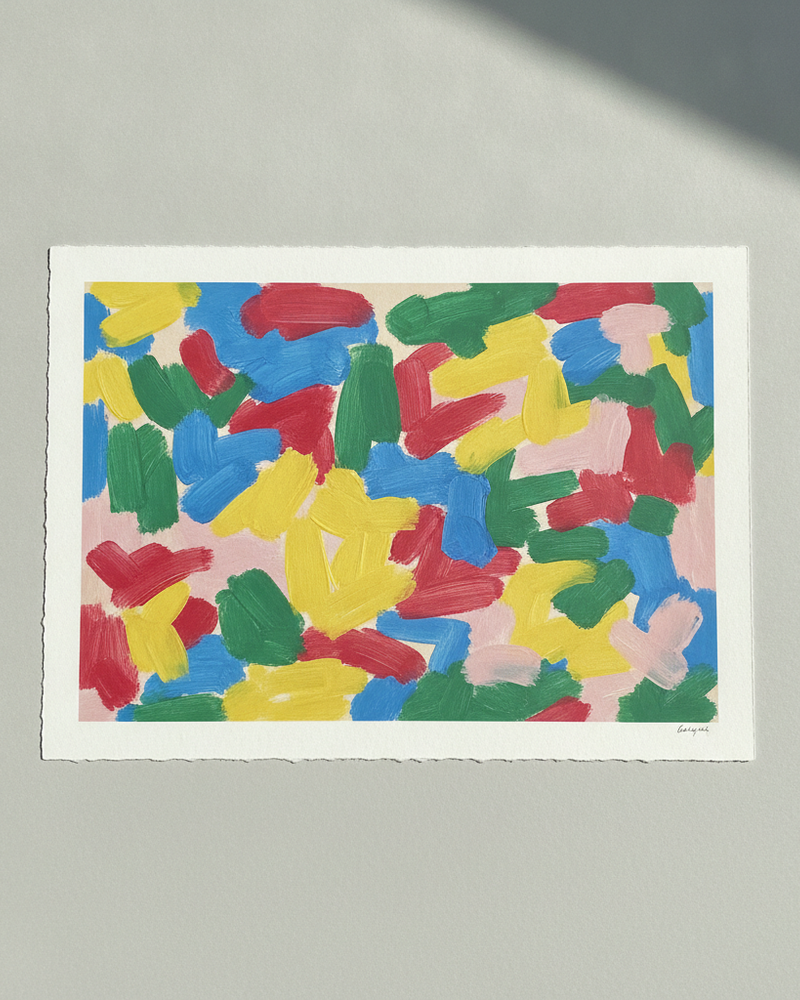
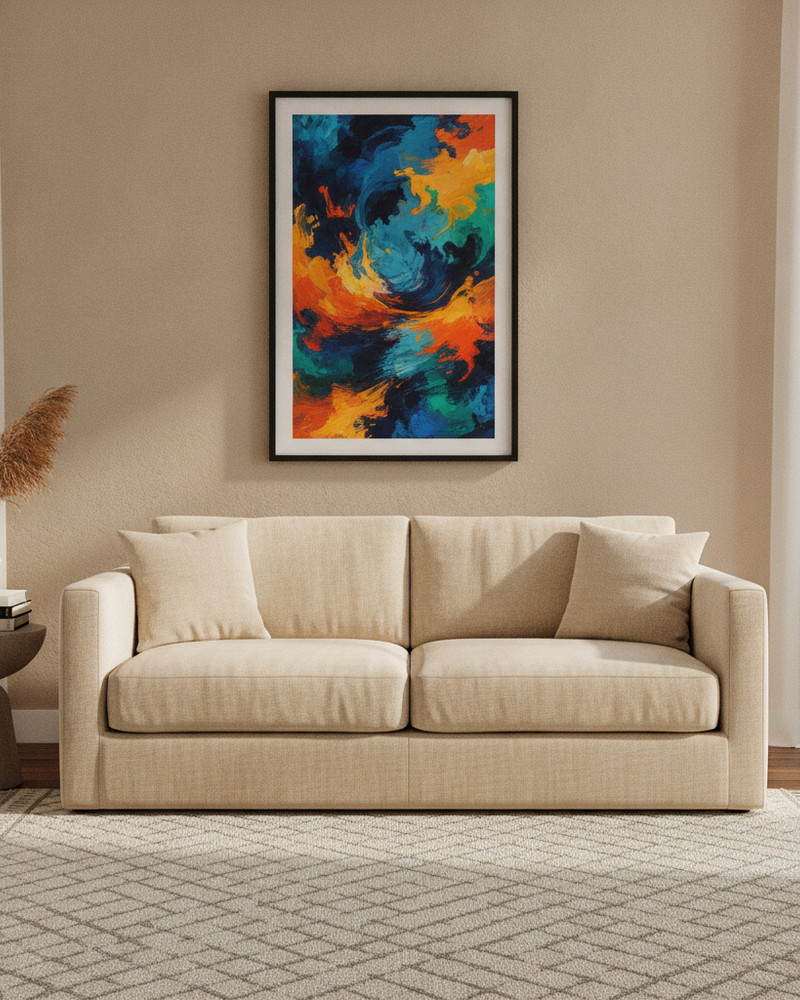
Most “free” mockup tools are free until you need them — the good scenes sit behind a paywall, or the export is small and stamped. MockupWall takes the App Store approach instead: download free, make real in-room mockups from your own artwork, and upgrade only if the results earn it.
The free path isn’t a demo of a template library, because there is no template library — every mockup is built from the art you upload and the scene you choose, so even your first free results are unique to your shop. Enter real dimensions for true scale, add a frame, and export a high-resolution image.
Why MockupWall
Actually free to start
Download and create mockups before paying anything — judge the quality on your own art, not a locked demo.
Unique, not templated
Each mockup is generated from your artwork and scene choices, so free results are still one-of-a-kind.
Everything on your phone
No desktop editor and no file juggling — upload, place, and export in one iOS app.
How It Works
Add your artwork
Upload or photograph your art, print, or poster and enter its real dimensions so the scale stays accurate.
Pick a scene
Choose from thousands of interior scenes — or upload your own wall — and set the frame, mat, and edge color.
Export & sell
The app matches lighting and shadow for a photoreal result. Export a high-resolution image for your shop, listing, or feed.
Frequently Asked Questions
Is MockupWall really free?
The app is free to download and lets you create mockups before any purchase. A subscription unlocks unlimited mockups, the full scene library, and premium features like AI video.
What’s the catch with free mockups?
There isn’t a template trick — mockups are generated from your own art, so free results are unique. Unlimited generation and the full scene library are what the subscription adds.
Can I export high-resolution images for free?
You can create and export mockups on the free tier; the subscription removes limits and unlocks all scenes and premium features.
Which devices does it run on?
iPhone and iPad. There’s no web, desktop, or Android version.
Guides
- How to Sell Art Prints on Etsy: Photos That ConvertOn Etsy, the thumbnail does most of the selling. Here’s how to make listing photos that stand out from the identical template every other art shop uses.
- How to Make Wall Art Mockups Without PhotoshopBuyers purchase art they can picture on a wall. Here’s how to turn a flat print file into an in-room mockup at true scale — from your phone, in minutes.
See Your Art ON THE WALL
Free to download · iPhone & iPad