Gallery Wall Mockup Maker
Design the whole wall — multiple prints, balanced and in proportion — before a single nail goes in.

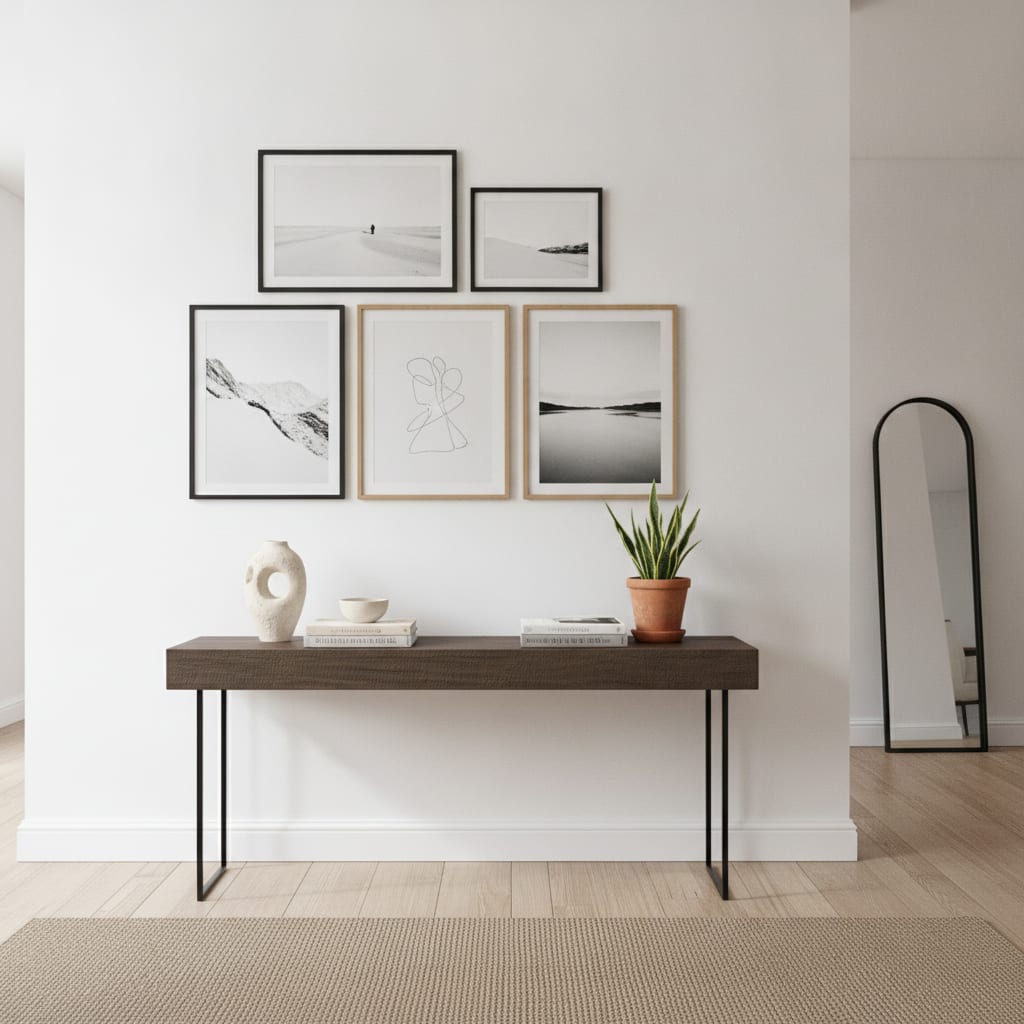
A gallery wall lives or dies on the arrangement: the spacing, the mix of sizes, how the frames talk to each other. Trying to plan it in your head — or worse, with a hammer — is how you end up with extra holes and a wall that feels off. A gallery wall mockup lets you compose the layout visually and judge the balance before committing.
MockupWall lets you place several artworks into a grid or gallery arrangement on a real-looking wall, at the sizes you enter, with frames and shadows. Sellers use it to pitch curated print sets; designers use it to show clients a plan; artists use it to present a collection as a cohesive wall. Export the result in high resolution when it looks right.
Why MockupWall
Compose multiple pieces
Arrange several prints into a grid or gallery layout and see how the sizes and frames balance together.
Plan before you hang
Judge spacing and proportion on screen so you commit to an arrangement instead of guessing on the wall.
Sell sets, not singles
Present a curated print bundle as a finished gallery wall — an easy upsell over single prints.
How It Works
Add your artwork
Upload or photograph your art, print, or poster and enter its real dimensions so the scale stays accurate.
Pick a scene
Choose from thousands of interior scenes — or upload your own wall — and set the frame, mat, and edge color.
Export & sell
The app matches lighting and shadow for a photoreal result. Export a high-resolution image for your shop, listing, or feed.
Frequently Asked Questions
How do I design a gallery wall?
Add your prints to MockupWall, enter their sizes, and arrange them into a grid or gallery layout on a scene wall. Adjust spacing and frames until it balances, then export a high-resolution image.
Can I mix sizes and frames?
Yes. You can combine different print sizes and frame styles, which is the point of a gallery wall — the mockup shows whether the mix works before you hang it.
Is this good for selling print bundles?
Very much so. Showing a curated set as a finished gallery wall helps buyers picture the whole arrangement and makes bundling several prints an easy sell.
Can I use my own wall photo?
Yes. Upload a real wall and lay the gallery arrangement onto it to plan a specific space or pitch a client.
Guides
- Gallery Wall Layout Ideas (and How to Preview Them First)A gallery wall lives or dies on the arrangement. Here are layouts that work — and how to see yours on the wall before a single nail goes in.
- What Size Should Wall Art Be? A Simple GuideToo small and the art looks lost; too big and it overwhelms. Here’s the simple proportion rule — and how to see the right size on your wall before you buy or hang.
See Your Art ON THE WALL
Free to download · iPhone & iPad