Room Art Visualizer
Upload your wall, drop in the art, and see it in your own space at the real size.

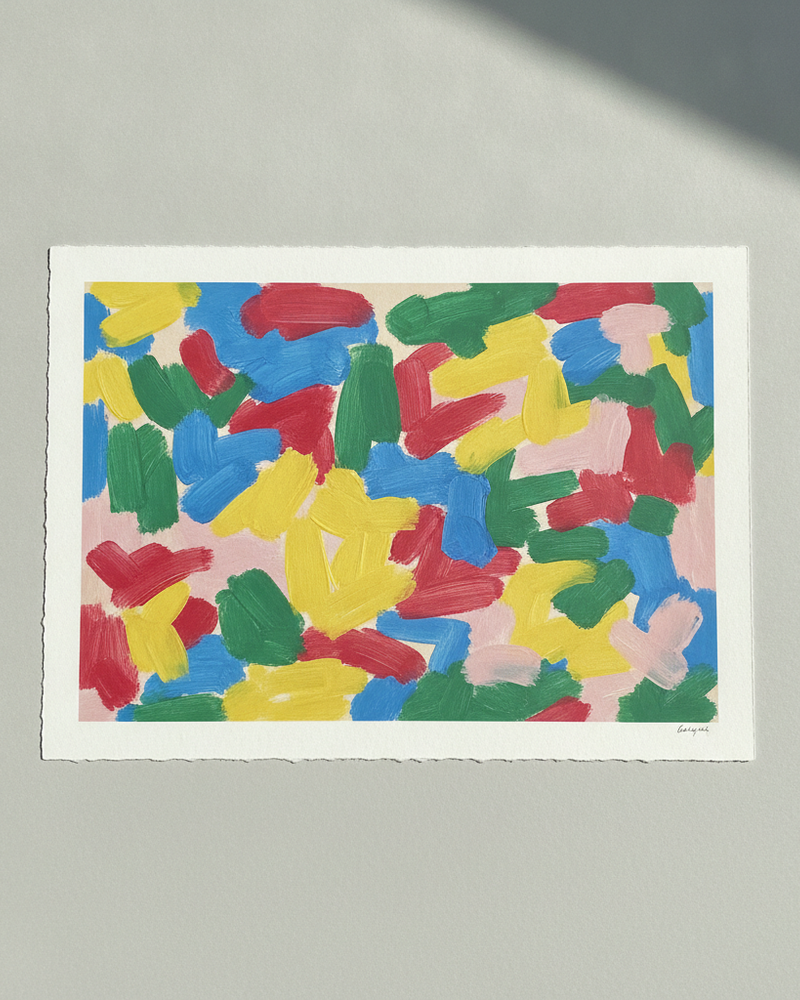
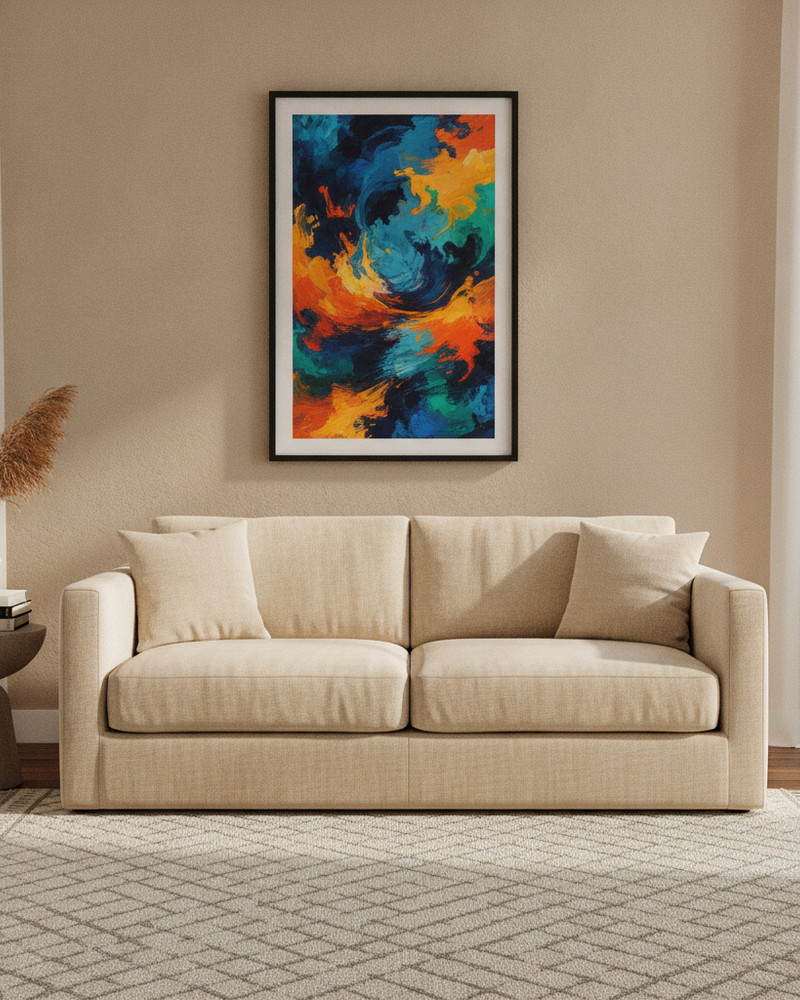
Generic room scenes are great for listings, but sometimes you need to see art in one specific place: your living room, a client’s hallway, the exact wall above the sofa. A room visualizer uses a photo of that real wall and places the artwork on it at true scale, so the preview is of the actual space rather than a staged stand-in.
With MockupWall you upload the wall photo, add the artwork at its real dimensions, choose a frame, and let the app match lighting and add a natural shadow. It’s the fastest way to settle whether a piece and a size are right for a room — for your own home, or to close a commission or a design decision with a client.
Why MockupWall
Your actual wall
Place art on a photo of the real space, not a generic scene, so the preview reflects the room that matters.
True scale, real doubt removed
Enter dimensions to see the real size on the wall and settle the “is it too big or too small?” question.
Frames and natural light
Add a frame and let the app match the room’s lighting and shadow so the preview looks photographed.
How It Works
Add your artwork
Upload or photograph your art, print, or poster and enter its real dimensions so the scale stays accurate.
Pick a scene
Choose from thousands of interior scenes — or upload your own wall — and set the frame, mat, and edge color.
Export & sell
The app matches lighting and shadow for a photoreal result. Export a high-resolution image for your shop, listing, or feed.
Frequently Asked Questions
How do I see art on my own wall?
Upload a photo of your wall to MockupWall, add the artwork at its real dimensions, choose a frame, and the app places it on the wall at true scale with matched lighting and shadow.
Is the size accurate?
Yes — you enter the artwork’s real dimensions, so it appears at true scale against your wall and furniture.
Can I try several pieces in the same spot?
Yes. Swap artworks and sizes in the same wall photo to compare options before you buy or hang.
What does it cost?
Free to download and use; a subscription unlocks unlimited mockups and all scenes. iOS only.
See Your Art ON THE WALL
Free to download · iPhone & iPad