ArtPlacer Alternative
The same in-room, on-the-client’s-wall idea — in a free iOS app, built for speed.

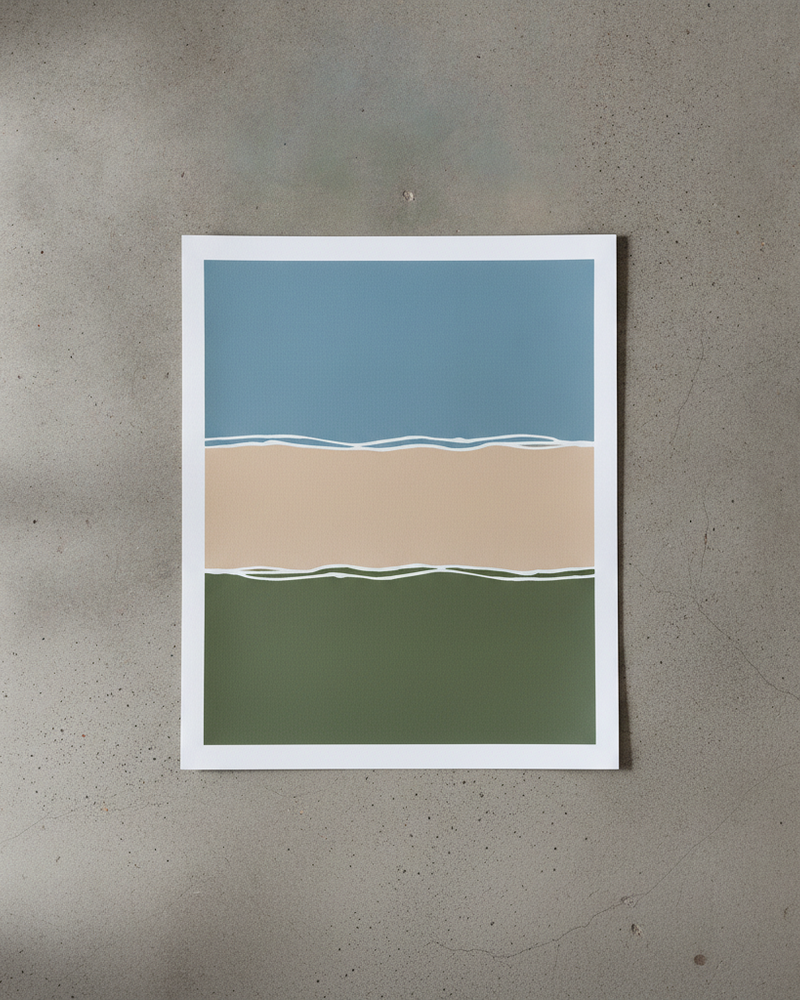

ArtPlacer is a well-known web tool for showing art in rooms and on a buyer’s wall, aimed largely at galleries and websites with subscription tiers. If you want that same in-context preview but prefer to work from your phone — and to start for free — MockupWall covers the core job.
Upload your artwork, enter its real dimensions, and place it in a realistic scene or on a photo of a real wall, with frames, matched lighting, and natural shadow. Build listing images, pitch a client on their own wall, or compose a gallery wall — all on iOS, exporting high-resolution images when you’re done.
Why MockupWall
In-room and on a real wall
Place art in ready scenes or on a client’s uploaded wall at true scale — the core of what an art visualizer is for.
Free to start, mobile-first
Download free and work from iPhone or iPad, rather than committing to a web subscription up front.
Frames, scale, and gallery walls
Add frames, keep true proportions, and arrange multiple pieces into a gallery wall layout.
How It Works
Add your artwork
Upload or photograph your art, print, or poster and enter its real dimensions so the scale stays accurate.
Pick a scene
Choose from thousands of interior scenes — or upload your own wall — and set the frame, mat, and edge color.
Export & sell
The app matches lighting and shadow for a photoreal result. Export a high-resolution image for your shop, listing, or feed.
Frequently Asked Questions
How does MockupWall compare to ArtPlacer?
Both show art in rooms and on a buyer’s wall at scale. MockupWall is a free-to-download iOS app focused on doing that quickly from your phone, with frames, true scale, and gallery wall layouts.
Can I place art on a client’s wall like ArtPlacer?
Yes. Upload a photo of the real wall and place the artwork on it at true scale to preview a piece in a specific space.
Is there a free option?
Yes — MockupWall is free to download and create mockups; a subscription unlocks unlimited use and all scenes.
Does it work on a computer?
No — it’s an iOS app for iPhone and iPad.
See Your Art ON THE WALL
Free to download · iPhone & iPad