Art Mockups for Interior Designers
Show the client the art on their wall — the right piece, the right size — before you source it.

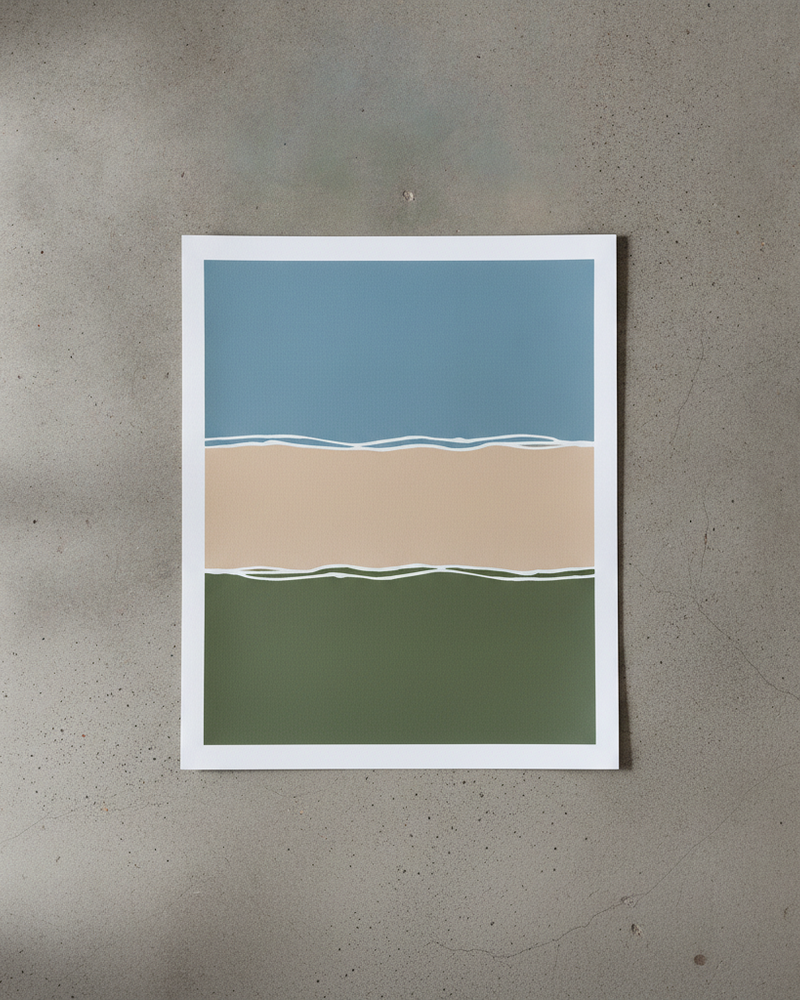
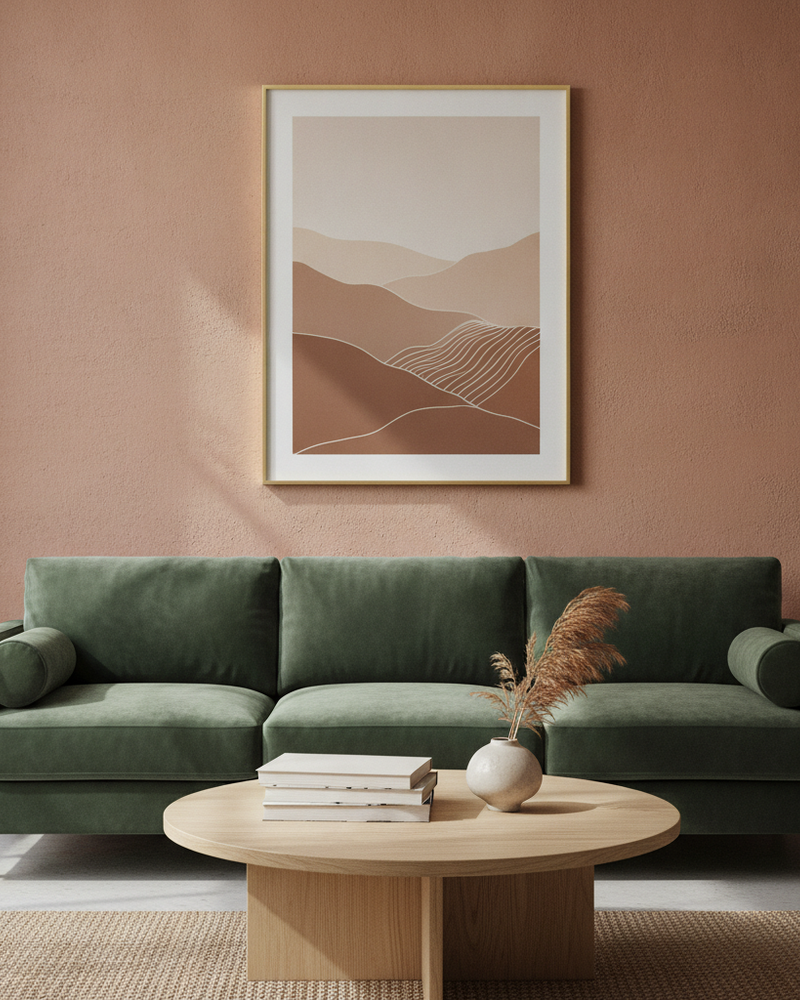
Specifying art is one of the trickier parts of a project: the client has to trust that a piece they’ve only seen as a thumbnail will work on their wall at the size you’re recommending. Describing it rarely lands. Showing it does. A mockup on the client’s own wall turns an abstract suggestion into a decision they can approve on the spot.
MockupWall lets you upload a photo of the real room and place candidate artworks on the wall at true scale, with frames that match your scheme. Compare options and sizes side by side, present a gallery wall arrangement, and export high-resolution visuals for the client deck — without ordering anything first.
Why MockupWall
On the client’s real wall
Upload the actual room and place art on it, so the client sees the piece in their own space, not a generic scene.
Size decisions made easy
Show the same piece at different true-scale sizes to settle the “how big should it be?” question visually.
Present whole walls
Arrange several pieces into a gallery wall layout to pitch a complete scheme rather than one print at a time.
How It Works
Add your artwork
Upload or photograph your art, print, or poster and enter its real dimensions so the scale stays accurate.
Pick a scene
Choose from thousands of interior scenes — or upload your own wall — and set the frame, mat, and edge color.
Export & sell
The app matches lighting and shadow for a photoreal result. Export a high-resolution image for your shop, listing, or feed.
Frequently Asked Questions
Can I place art on a client’s actual room?
Yes. Upload a photo of the real wall and position candidate artworks on it at true scale with frames, then export the visuals for your presentation.
Can I compare sizes and options?
Yes. Place the same piece at different dimensions, or swap pieces in the same spot, to compare options and sizes before specifying anything.
Is it good for client decks?
Yes. Export high-resolution mockups to drop into proposals and mood boards so clients can approve art and sizing with confidence.
What platform does it run on?
iOS — iPhone and iPad. It’s free to download, with a subscription for unlimited mockups and the full scene library.
See Your Art ON THE WALL
Free to download · iPhone & iPad