AI Art Video Generator
Motion is the cheapest attention on a feed — turn a mockup into a short showcase clip.

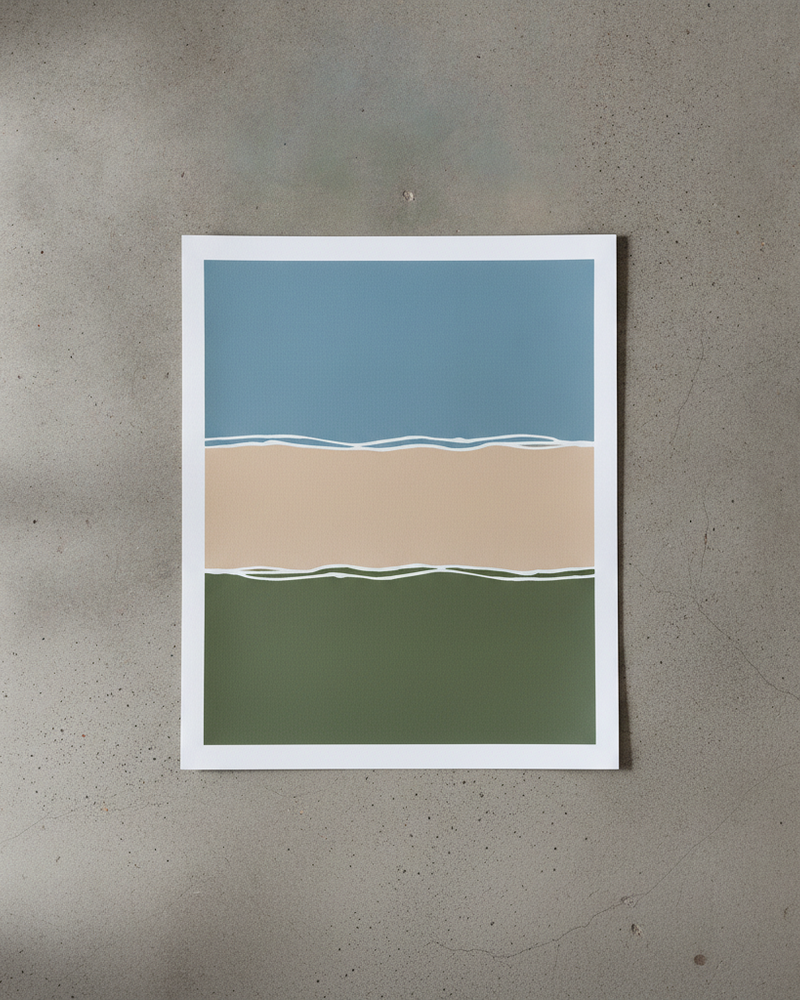

A still image competes with every other still image in the feed. A short video — a slow push into the piece on the wall, a reveal, a subtle move through the room — stops the scroll where a static post wouldn’t. For artists and print sellers, that extra second of attention is often the difference between a skip and a tap.
MockupWall can turn a mockup into a short AI-generated showcase video, so you can post motion without filming or editing anything. Make the still for your listing, then generate a clip from it for Reels, TikTok, or an ad — all from the same app, on your phone.
Why MockupWall
Stop the scroll
Short motion clips earn more attention in a feed than static images, with no filming or editing.
One asset, two formats
Make the still for your listing and generate a video from it for social — from the same mockup.
All on your phone
No video editor and no footage to shoot — generate the clip in the app and post it.
How It Works
Add your artwork
Upload or photograph your art, print, or poster and enter its real dimensions so the scale stays accurate.
Pick a scene
Choose from thousands of interior scenes — or upload your own wall — and set the frame, mat, and edge color.
Export & sell
The app matches lighting and shadow for a photoreal result. Export a high-resolution image for your shop, listing, or feed.
Frequently Asked Questions
How do I make an art showcase video?
Create a mockup in MockupWall, then use the AI video feature to generate a short showcase clip from it, ready to post to social media.
Do I need video editing skills?
No. The clip is generated from your mockup in the app — there’s no footage to shoot and no editor to learn.
What are the videos good for?
Reels, TikTok, and ads — anywhere motion helps your art stand out against static posts in the feed.
Is it free?
The app is free to download; AI video and unlimited use are premium features unlocked by a subscription.
See Your Art ON THE WALL
Free to download · iPhone & iPad