Wall Art Mockup Generator
Upload your art, pick a room, export a photo that looks shot in a studio — in minutes.

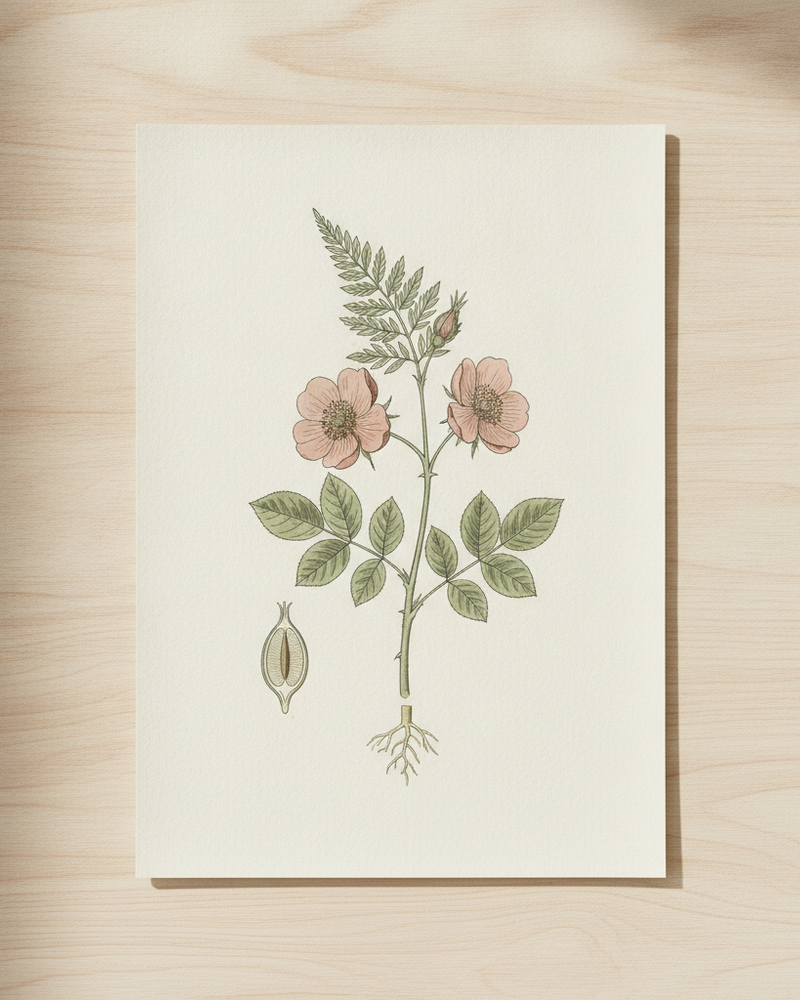
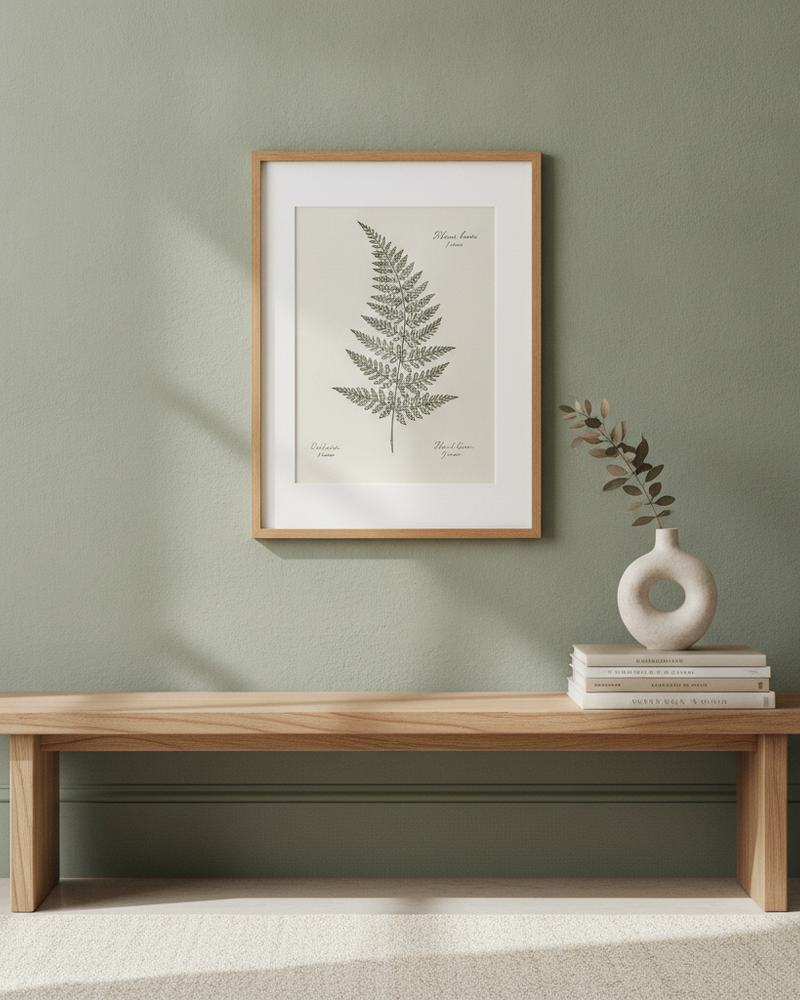
A wall art mockup generator exists to answer one question for a buyer: what would this look like on my wall? MockupWall answers it properly — not by pasting your image onto a stock photo, but by placing your artwork in a realistic interior at the real size you enter, with a frame, matched lighting, and a natural shadow.
The whole process runs on your phone. Upload the art, enter dimensions, choose a scene or your own wall, set a frame, and export a high-resolution image. Generate several scenes per piece to build a full listing gallery, and reuse the look across your catalogue for a consistent brand.
Why MockupWall
Real scenes, real scale
Art is placed in a realistic room at the true size you enter, with frames and shadows — not a flat paste.
Your own wall, too
Upload a photo of a real wall to place art exactly where it will hang.
High-resolution export
Export images sharp enough for product pages, ads, and print promotion, straight from iOS.
How It Works
Add your artwork
Upload or photograph your art, print, or poster and enter its real dimensions so the scale stays accurate.
Pick a scene
Choose from thousands of interior scenes — or upload your own wall — and set the frame, mat, and edge color.
Export & sell
The app matches lighting and shadow for a photoreal result. Export a high-resolution image for your shop, listing, or feed.
Frequently Asked Questions
What is a wall art mockup generator?
A tool that shows your artwork on a wall in a realistic room so buyers can picture it in a space. MockupWall places your art at true scale with a frame, lighting, and shadow, and exports a high-resolution image.
Is MockupWall free?
It’s free to download and create mockups. A subscription unlocks unlimited mockups and the full scene library. iOS only (iPhone and iPad).
Do I need design skills?
No. Upload the art, enter the size, pick a scene and frame, and export — there’s nothing to design or edit beyond those choices.
Can I use my own room photo?
Yes. Upload a wall photo and place the art on it, which is ideal for commissions and client previews.
Guides
- How to Photograph Your Art for Prints and MockupsEvery mockup and print starts with one photo of the artwork. Get that photo right and everything downstream looks better — here’s how.
- How to Make Wall Art Mockups Without PhotoshopBuyers purchase art they can picture on a wall. Here’s how to turn a flat print file into an in-room mockup at true scale — from your phone, in minutes.
- What Size Should Wall Art Be? A Simple GuideToo small and the art looks lost; too big and it overwhelms. Here’s the simple proportion rule — and how to see the right size on your wall before you buy or hang.
See Your Art ON THE WALL
Free to download · iPhone & iPad