Blog · November 8, 2026
How to Make Wall Art Mockups Without Photoshop
Short answer
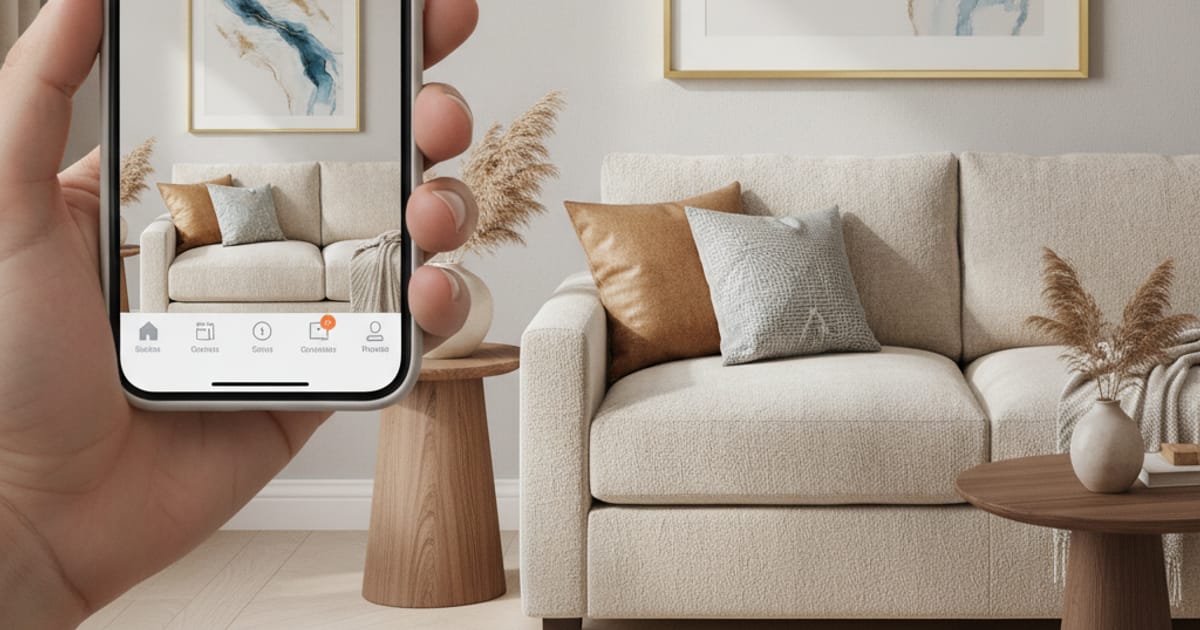
To make a wall art mockup, upload a photo of your artwork, enter its real dimensions, and place it into a room scene (or a photo of your own wall) using an app like MockupWall. It adds a frame, matches the lighting, and casts a natural shadow, so the art appears on the wall at true scale — then you export a high-resolution image for your shop or listing, with no Photoshop.
A flat scan of your artwork answers one question — what the image looks like — and leaves the one that actually drives a sale unanswered: what would this look like on my wall? Size, frame, and context are what turn a browser into a buyer, and none of them survive a plain image file. A wall art mockup fills that gap by showing the piece hanging in a real-looking room, at a believable scale. The good news is you no longer need Photoshop or a photoshoot to make one.
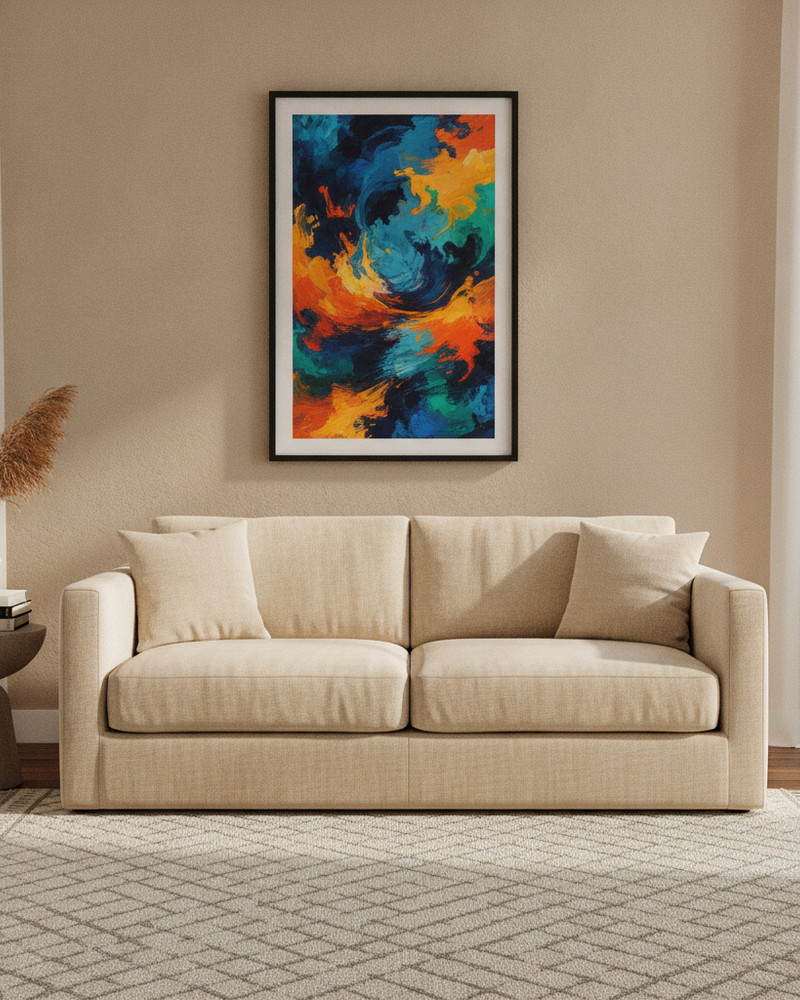
What a good wall art mockup needs to show
- The art on a wall, framed — not floating on a white background.
- True scale — a 12×16 print should read smaller than a 40×60 canvas.
- A natural shadow and matched lighting, so it looks photographed, not pasted.
- A setting that fits the piece — minimal, bold, cozy — and ideally a few options.
The fastest way: an app that places your art in a scene
A dedicated mockup app skips the manual compositing entirely. In MockupWall you upload the artwork, type in its real dimensions, and pick an interior scene from a large library — or upload a photo of your own wall. The app places the art at true scale, adds a frame and mat, and matches the room’s light and shadow. Because the image is built from your own art and scene choices, every result is unique to your shop rather than a shared template thousands of other sellers use.
Step by step
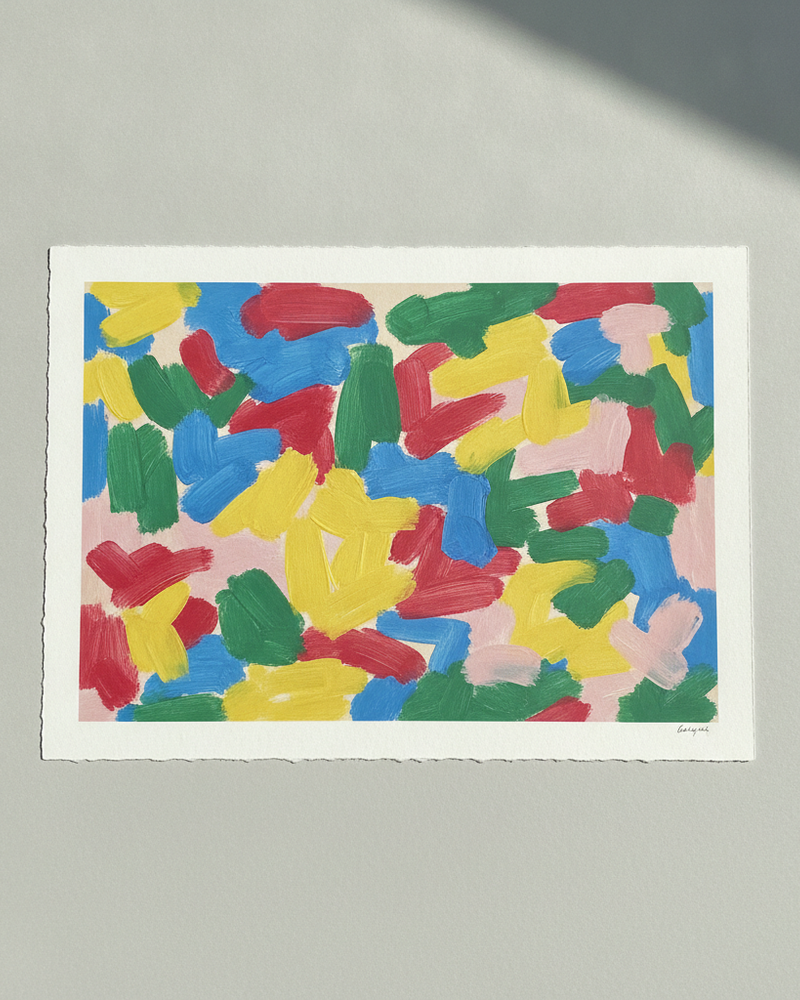
- Photograph or export your artwork cleanly (straight on, even light, full edges).
- Upload it and enter the real print dimensions so the scale is accurate.
- Choose a scene that suits the piece, or upload your own wall photo.
- Set the frame, mat, and edge color, and let the app match lighting and shadow.
- Generate a few scenes and sizes, then export high-resolution images for your listings.
Why not just use template mockups?
Template generators paste your image into the same stock rooms that everyone else uses, so your listings end up looking identical to your competitors’ — and the scenes rarely reflect your piece’s real size or framing. Mockups built from your own artwork, at true scale, look specific to your shop and set the right expectation for the buyer, which is exactly what helps a listing stand out and convert.
What it does and doesn’t do
A wall art mockup is a realistic preview of how a piece reads in a room — size, frame, placement. It isn’t a printing or shipping service, and it doesn’t physically measure a real wall; scale comes from the dimensions you enter. For listings, social, and client previews, it replaces the staged photoshoot and produces the images the same day you photograph the art.
Frequently Asked Questions
How do I make a wall art mockup without Photoshop?
Use a mockup app like MockupWall: upload your artwork, enter its dimensions, pick a room scene or your own wall, and it places the art framed at true scale with realistic light and shadow — then you export a high-resolution image. No Photoshop needed.
Can I show the art at the correct size?
Yes. You enter the artwork’s real dimensions, so it appears at true scale in the scene — a small print reads small and an oversized piece reads large, which sets the right expectation for buyers.
Can I use a photo of my own wall?
Yes. Upload a photo of a real wall and place the artwork on it, which is useful for commissions, client previews, and planning a specific space.
Is it free?
MockupWall is free to download and lets you create mockups before paying; a subscription unlocks unlimited mockups and the full scene library. It runs on iPhone and iPad.