Wall Paint Color Visualizer
The wall color behind a piece can make or break it — test it before you commit.

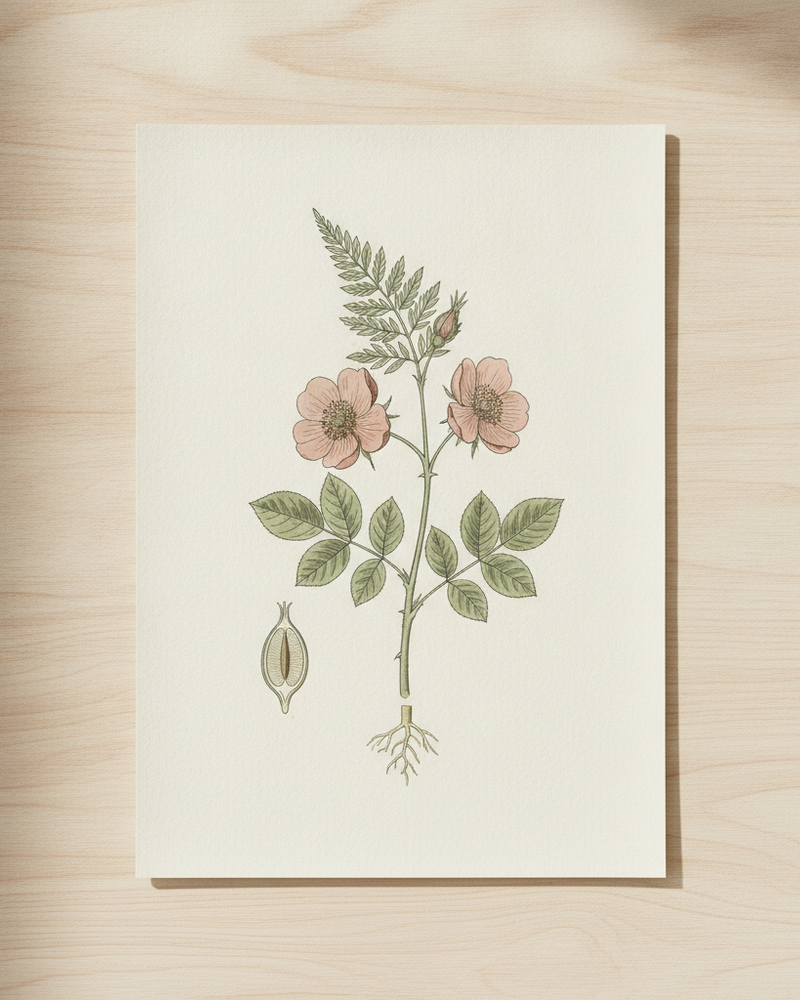
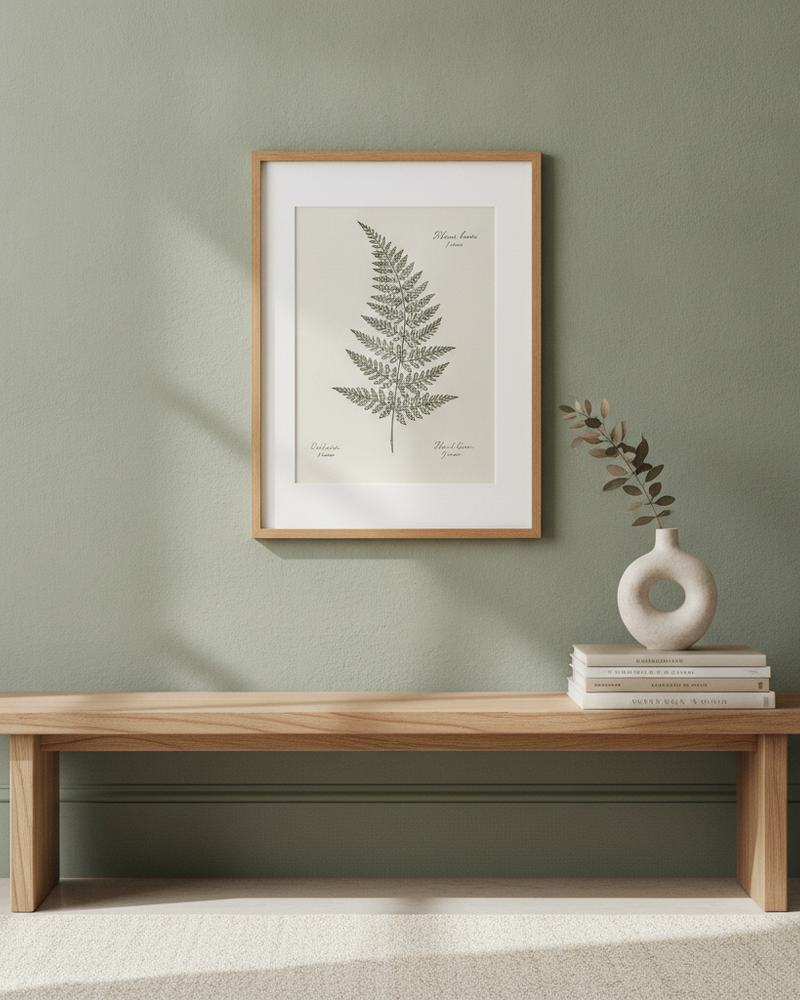
Art never hangs in a vacuum. The same print looks punchy on a deep green wall and washed-out on stark white. For sellers, the backdrop sets the mood of a listing; for homeowners and designers, the wall color decides whether a piece sings or disappears. Testing it in real life means paint samples and guesswork.
MockupWall includes a paint/wall-color visualizer so you can preview artwork against different wall colors and pick the backdrop that flatters it. Pair a piece with the tones that make it pop for your listings, or check a planned wall color against the art a client intends to hang — all on your phone, before anyone opens a paint can.
Why MockupWall
Find the flattering backdrop
Preview the art against different wall colors to choose the one that makes it stand out.
Better-looking listings
Match each piece to wall tones that set the right mood, so your product photos feel art-directed.
Plan a real repaint
Check a planned wall color against the art that will hang on it before committing to paint.
How It Works
Add your artwork
Upload or photograph your art, print, or poster and enter its real dimensions so the scale stays accurate.
Pick a scene
Choose from thousands of interior scenes — or upload your own wall — and set the frame, mat, and edge color.
Export & sell
The app matches lighting and shadow for a photoreal result. Export a high-resolution image for your shop, listing, or feed.
Frequently Asked Questions
What does the wall color visualizer do?
It previews your artwork against different wall colors so you can see which backdrop flatters the piece, before painting a real wall or staging a listing.
Can I use it to plan a room repaint?
Yes. Preview the art against candidate wall colors to decide on a paint color that works with the piece you intend to hang.
Does it change the artwork’s colors?
No — it changes the wall behind the art so you can judge the pairing. The artwork stays as you uploaded it.
Is it free?
Free to download and use; a subscription unlocks unlimited mockups and all scenes. iPhone and iPad.
See Your Art ON THE WALL
Free to download · iPhone & iPad