Photography Print Mockup Generator
Fine-art photography sells framed and in context — show the print on a wall, not as a file.

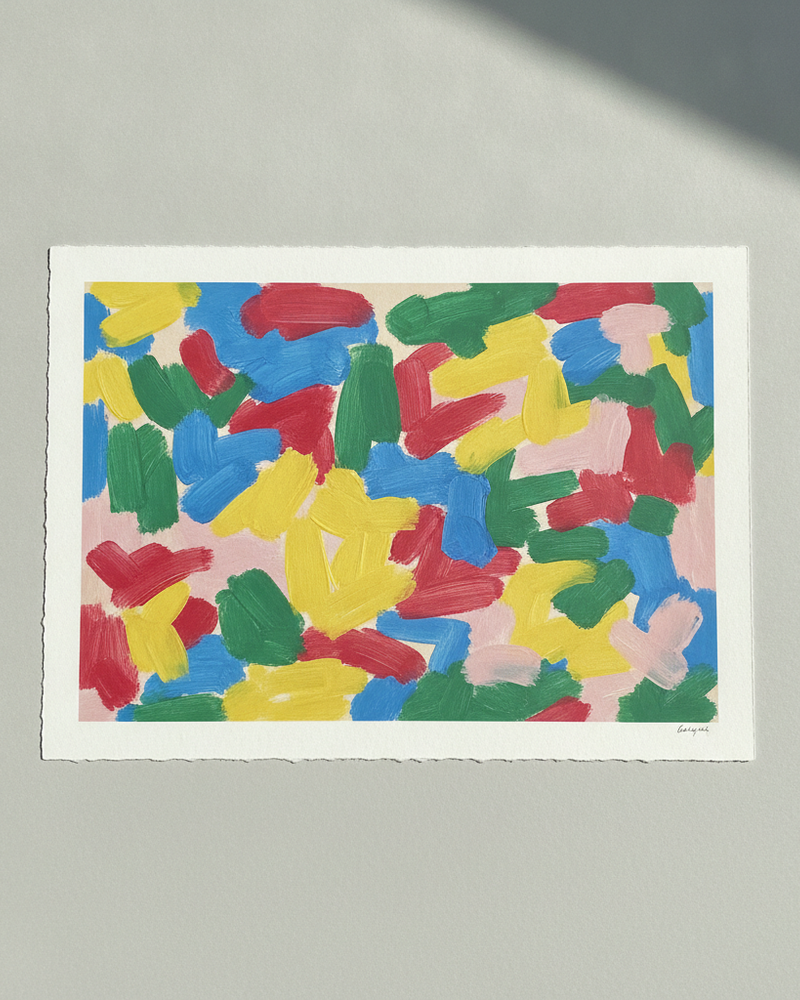
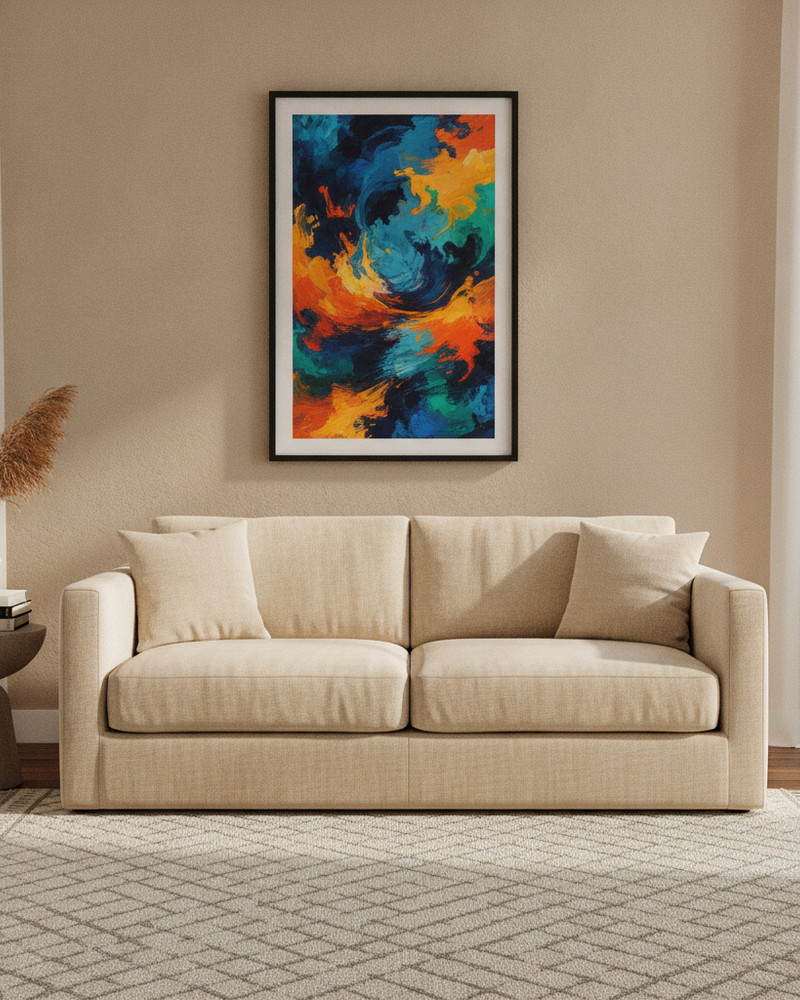
Photographers selling prints face the same problem as painters: a digital file is not the product. Buyers paying for a framed photographic print want to see it as a finished, hung piece — the frame, the mat, the size against a sofa or a bed. A thumbnail of the photo alone leaves that to their imagination, and imagination rarely closes the sale.
MockupWall places your photo print in a realistic room at the true size you enter, with a frame and natural shadow. Show the same image as a small framed print and as an oversized statement piece, across different interiors, and export high-resolution images for your print shop or portfolio store.
Why MockupWall
Framed and in context
Show the photo as a finished framed print on a real wall, which is what a print buyer is actually purchasing.
Size options at a glance
Enter different dimensions to present small, medium, and large framed versions of the same photograph.
Scenes that match the work
Pick interiors that fit the mood of your photography, or upload a client’s wall for a commission preview.
How It Works
Add your artwork
Upload or photograph your art, print, or poster and enter its real dimensions so the scale stays accurate.
Pick a scene
Choose from thousands of interior scenes — or upload your own wall — and set the frame, mat, and edge color.
Export & sell
The app matches lighting and shadow for a photoreal result. Export a high-resolution image for your shop, listing, or feed.
Frequently Asked Questions
How do I mock up a photography print?
Upload the photo, enter the print size, add a frame, and choose a scene. MockupWall places it on the wall at true scale with realistic lighting and shadow, then exports a high-resolution image.
Can I show several print sizes?
Yes. Change the dimensions and the framed photo is re-placed at that true scale, so buyers see exactly how each size reads in a room.
Is this suitable for a print shop?
Yes. Photographers use it to produce consistent, in-room product images across a whole catalogue without staging and shooting each one.
Does it run on iPad?
Yes. The app works on both iPhone and iPad, and is free to download with a subscription for unlimited use.
See Your Art ON THE WALL
Free to download · iPhone & iPad